Products & online shops
Make beauty-device modes less of a guessing game
Show one control or attachment on the actual model, with language grounded in the product information.
Capri Video · Updated · 1 min read
Example: an assembly manual brought to life
See how a printed manual becomes a sequence customers can follow. Our example shows the Duke Fitness XB30 assembly with counted parts and numbered steps.
A long list of modes can make a beauty device harder to choose. Show what one control does or which attachment fits the model. You can explain those details without promising a cosmetic or health outcome.
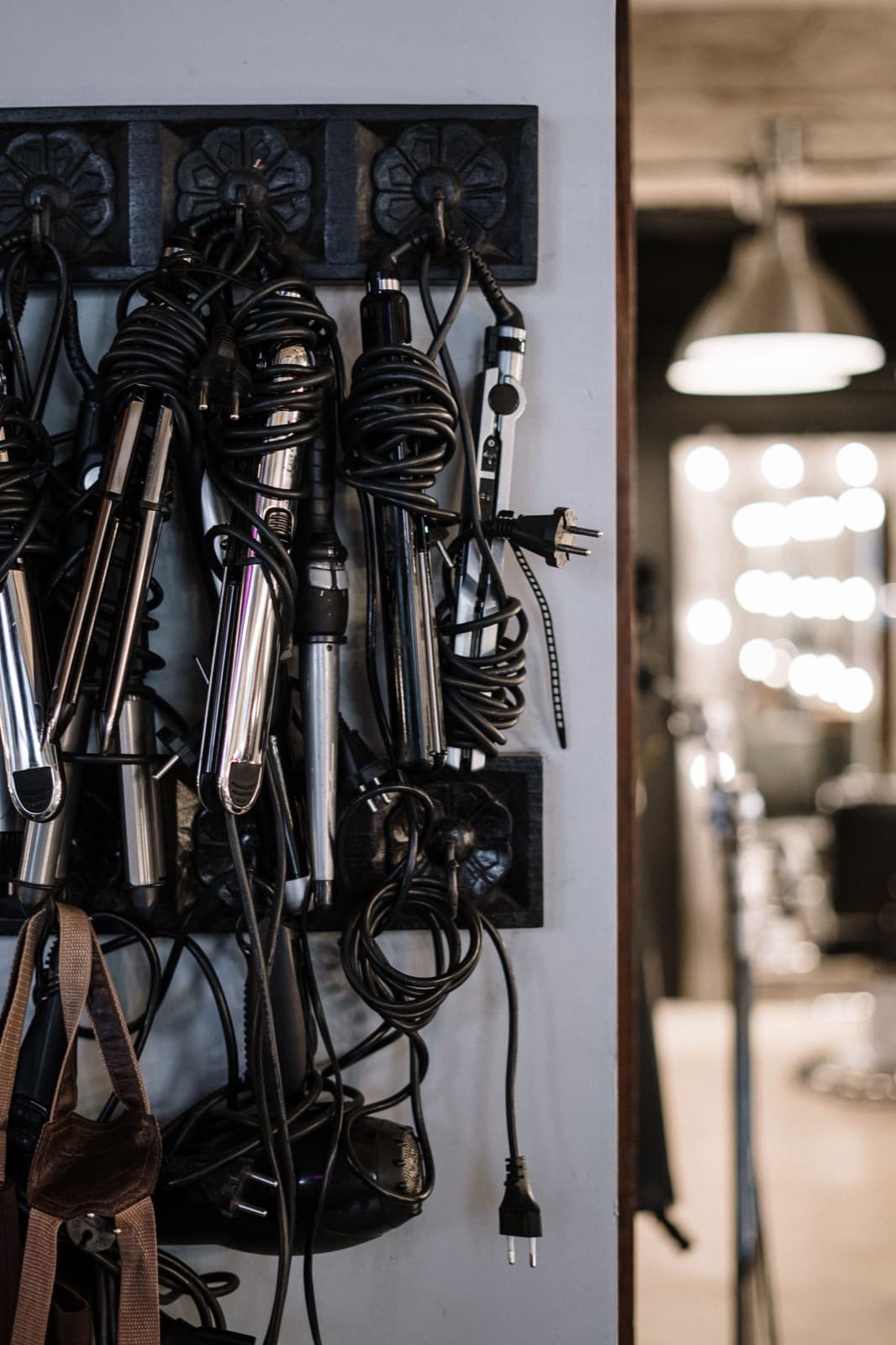
Focus on one mode or attachment
Introduce the model and one approved function. Show the relevant control and any confirmed compatible attachment, using consistent labels. Operating or cleaning guidance must follow the appropriate manufacturer information. Before-and-after imagery does not substitute for a clear explanation of what the device does and which part is being shown.
Start with the right product documents
Bring the original product documents, device and attachment images and the wording approved for the model.
Record the model and documentation version, and check close-ups against the real product. Have the product specialist review the scenes before animation.
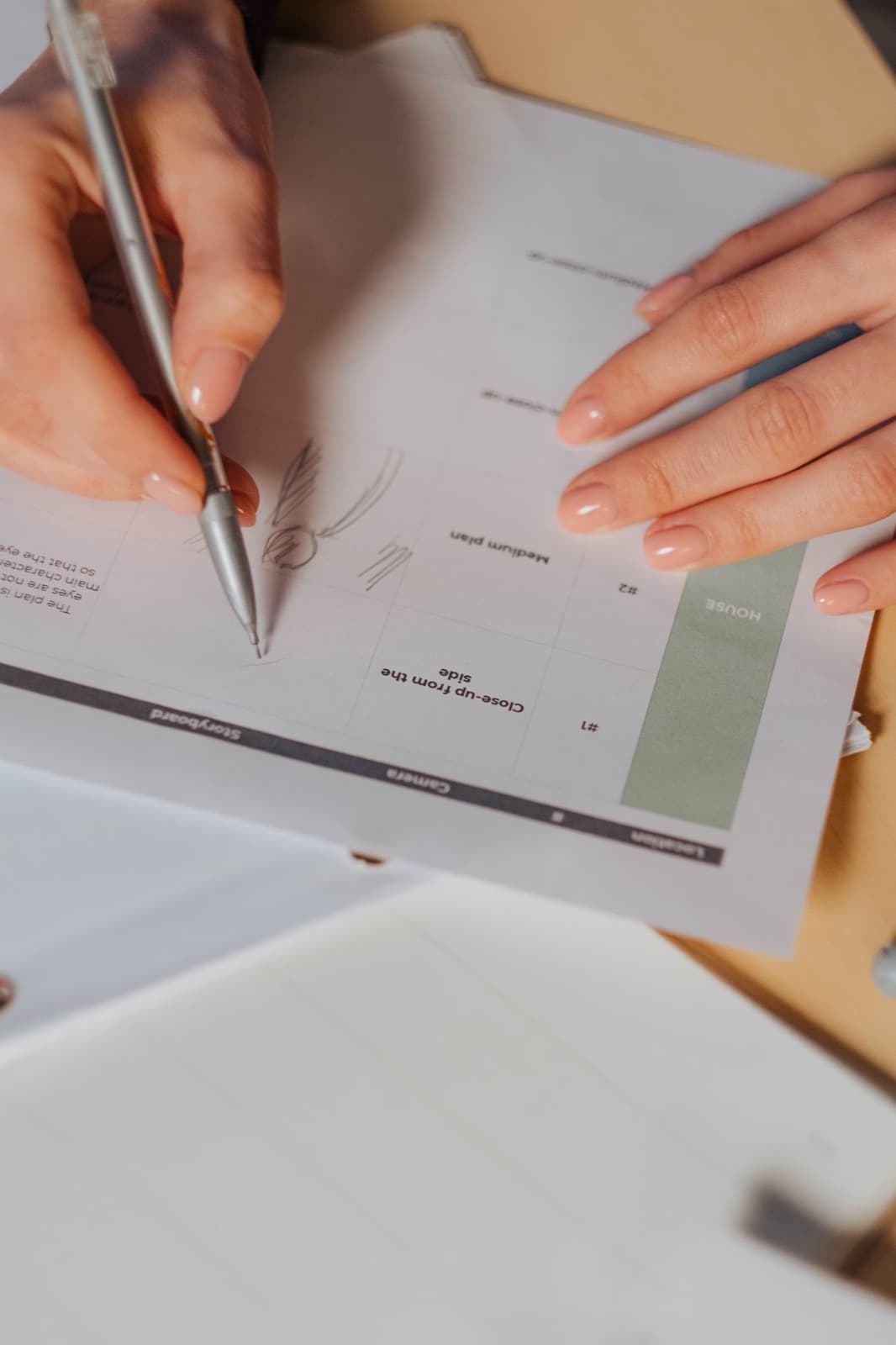
Help people find the right explanation
Place it beside the correct variant. Ask viewers to identify the mode and attachment; similar-looking versions may need a clearer model label. Keep the explanation within the supported functions and product information. That gives someone a better basis for choosing or understanding the device without adding an outcome claim.