Software & apps
Explain where the money goes
Show merchants how a payment runs, when the money arrives and how integration works.
Capri Video · Updated · 1 min read
Merchants want to know three things: how do I integrate it, what does it cost and when is the money in my account? A payment provider explainer video answers that without anyone reading the documentation.
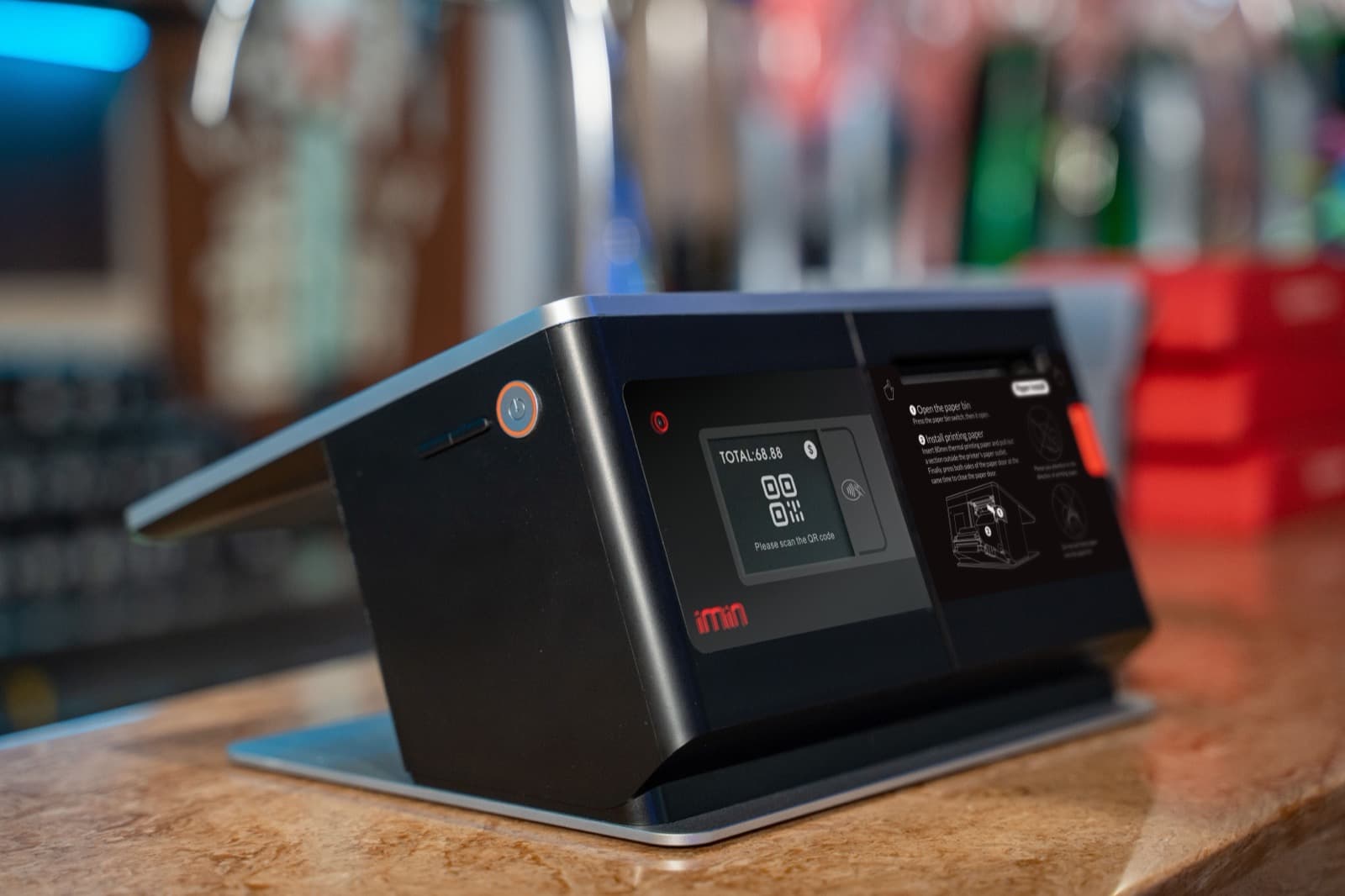
Follow one payment
Follow a payment from the buyer’s click through checks and authorization to the payout to the merchant. Then show integration into a shop or point of sale in a few steps. Real or rebuilt dashboard views show what the merchant will see day to day.
What to bring to the brief
Payment flow, pricing model, integration steps, screenshots and compliance requirements.
Payout times and fees must match the contract. Statements about security and regulation need legal review. Card details on screen are always test data.

Where the video can help
Use it on the product page, in sales emails and in merchant onboarding. Ask merchants when they expect their first payout. Technical detail stays in the documentation.