Industry & logistics
Put the component back into the system
Locate the real product in a simplified assembly and explain the function that matters to the buyer.
Capri Video · Updated · 1 min read
A datasheet describes the component, but a buyer may still want to see where it fits. Place the real product inside a simplified system and explain one confirmed function. Keep enough context to show why that part matters.
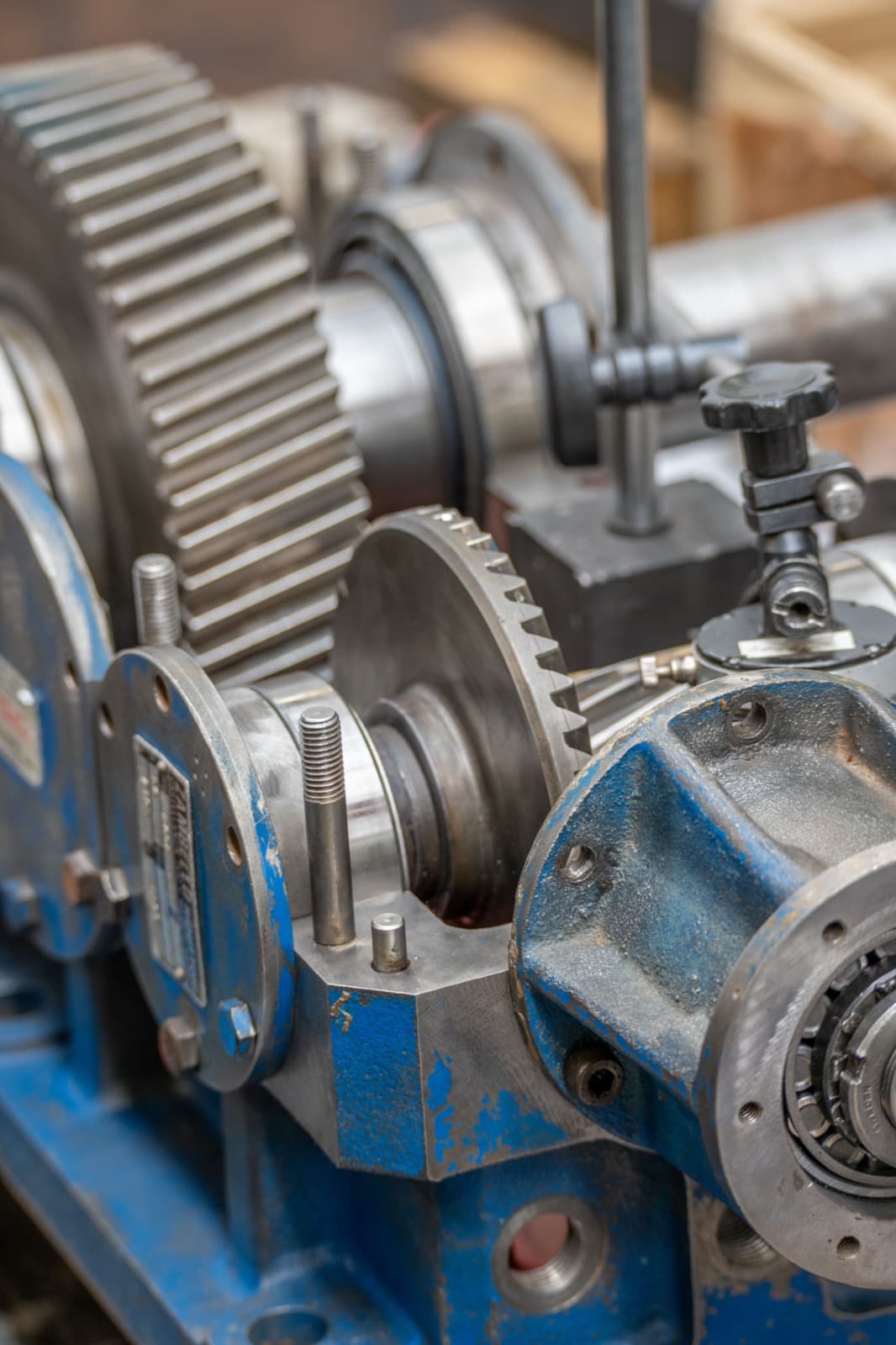
Zoom in without losing the context
Locate it in the wider assembly, then move to the relevant detail. Label the confirmed input, output, or interface clearly. Simplify surrounding equipment so the product does not disappear inside a generic factory animation. State compatibility only for the combination actually being illustrated.
Prepare the technical material
Use the datasheet, application diagram and accurate product assets, with technical approval of the example.
Mark schematic views clearly and have a technical specialist check the details. Then ask someone from the intended audience whether the explanation makes sense.

Use it in the technical conversation
Place it alongside the application description. Ask what the component does and what the buyer still needs to know before selecting it. Lead from the overview to the datasheet and the details relevant to their design. The animation makes that information easier to approach; it doesn't replace it.