Guides
Show what someone can do with your software
Follow one task through the product, using readable screens and realistic examples instead of a tour of every menu.
Capri Video · Updated · 3 min read
Prospects are looking for a better way to work, not a tour of every menu. A software explainer follows a familiar task from the first input to a useful result. When viewers can see how it would help their team, they have a specific reason to request a demo or try the product.
Give the story a practical starting point
A sales team needs to assign an inquiry. A property manager needs to handle a request. A warehouse team needs to understand what follows a scan. Each situation gives the viewer a reason to care about the screens that appear next.
For a fictional CRM, the story might begin with a new inquiry, show assignment, and finish with a confirmed follow-up action. Keep the same contact and identifier across views. The audience can then follow one case instead of trying to connect unrelated interface examples.
Separate the overview from the demo
The overview explains the relationship between the problem, the workflow, and the product. A demo shows more of the interface and the steps a person takes. Choose how much detail this audience needs.
Do not force every menu into the overview. Ask which screen proves an important statement and which merely adds visual activity. A few readable details can explain more than a rapid tour of the entire interface.
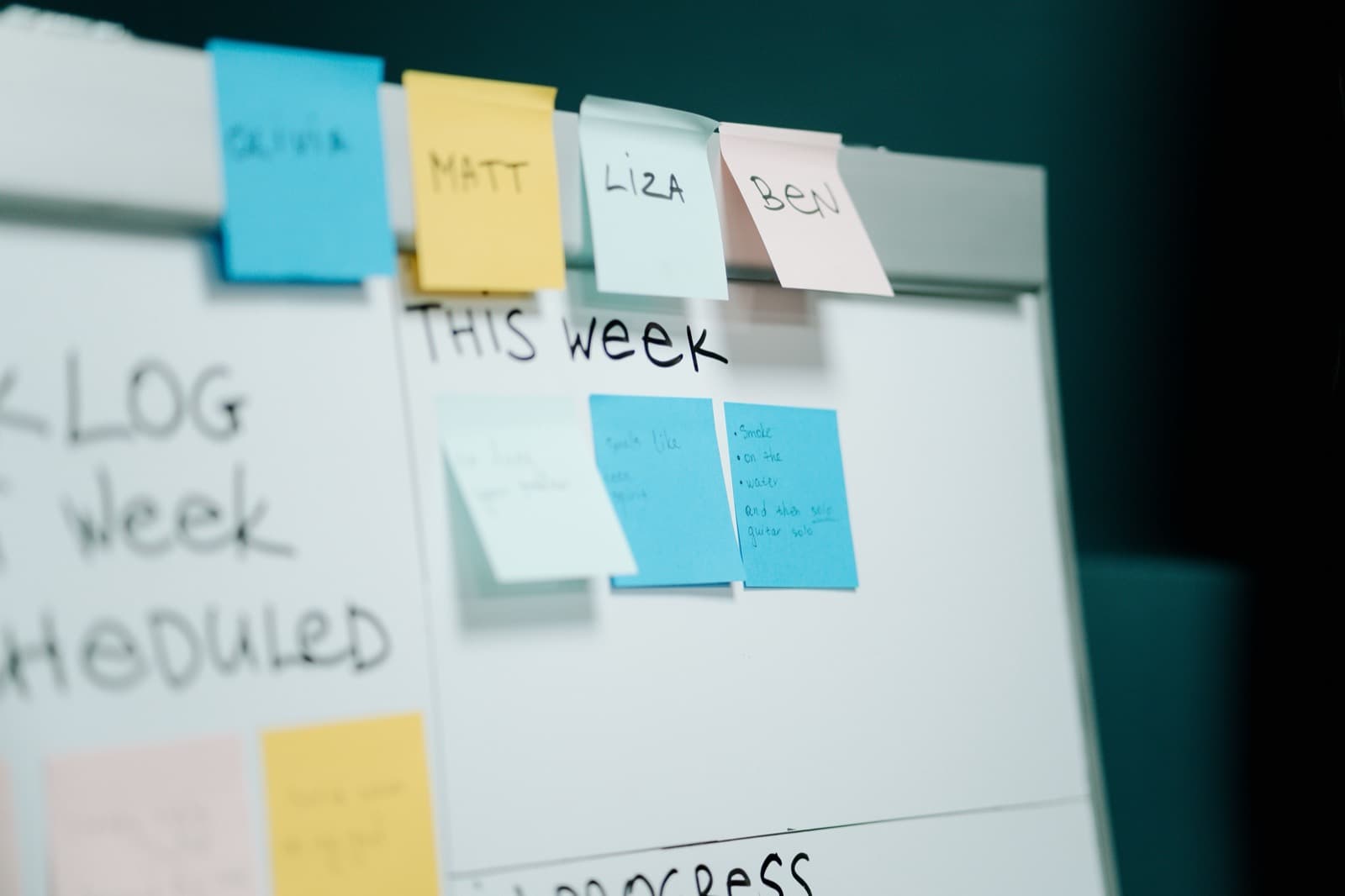
Show what has actually happened
Treat input, review, and completion as distinct states. A saved request is not automatically approved. A notification is not completed work. These differences matter because they shape what buyers expect from the product.
Use fictional data and a confirmed version. Show integrations and automated steps only when they exist in the demonstrated setup. Record which scenes will need review after interface changes.
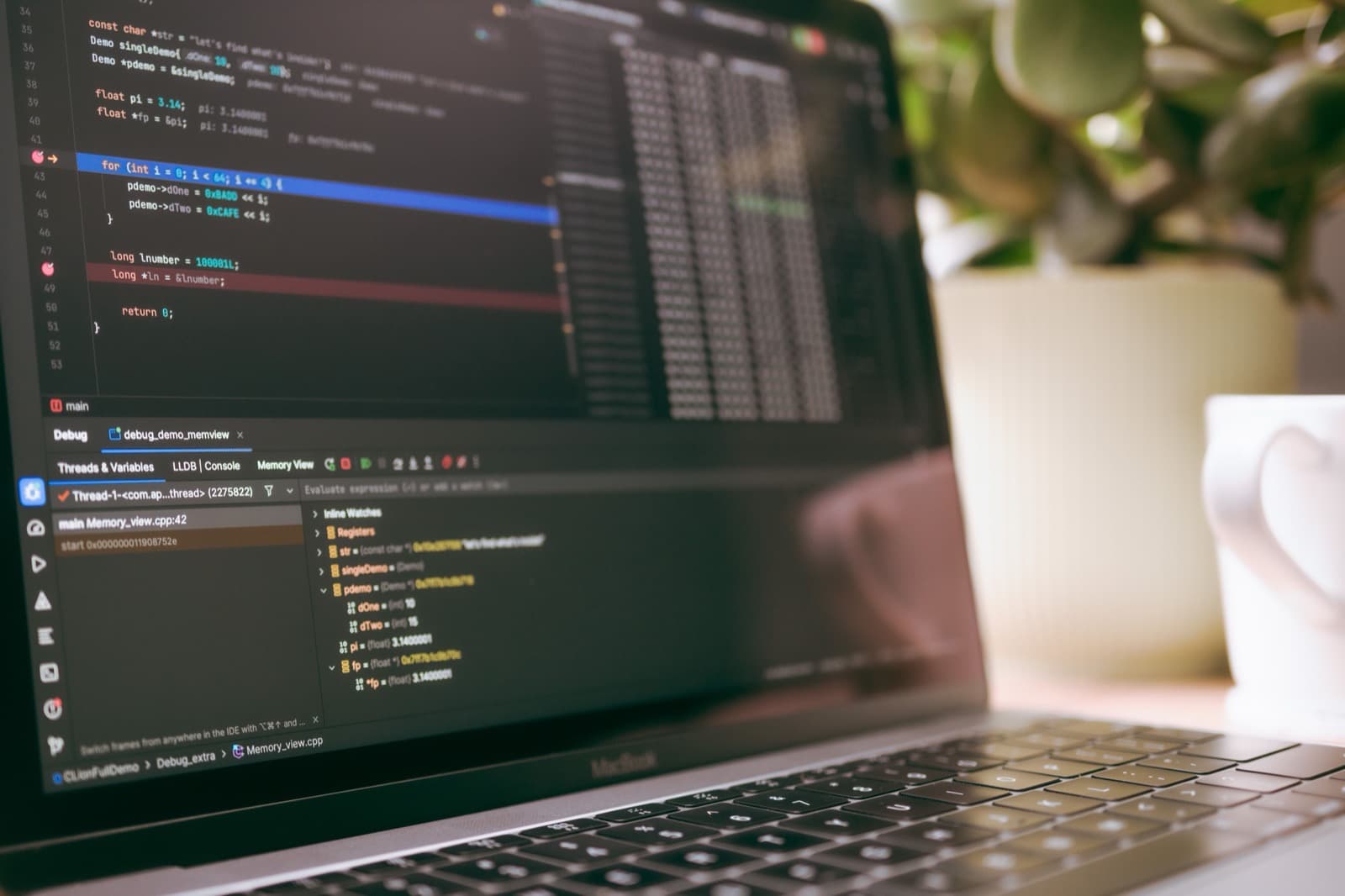
Test whether the workflow is understood
After each important scene, ask a viewer who acts next and what information is available. Remembering buttons without understanding the process suggests the story needs revision. Expecting more automation than the product provides suggests the boundaries need clearer treatment.
Industry examples
- Show what happens to a new lead in your CRM
- Follow one order through your ERP
- Show a working day in practice-management software
- Make the handoff between hospital teams visible
- Show how a dispatched job reaches the technician
- Who acts next in the recruiting software?
- Make an HR request's status clear
- What does “paid” mean in your finance software?
- Follow a project question through construction software
- Show what retail software does after checkout
- Who handles the request in your property platform?
- Explain what a warehouse scan actually records
- Show the work behind a cybersecurity alert
- Give a dashboard a question to answer
- Show what the AI does, and what someone still checks
- Explain an API through one request and response
- Connect the sensor reading to the next action
- Make it clear when an app booking is confirmed
- Explain what a learning-platform progress bar means