Guides
When a whiteboard video makes sense
Drawings can build an idea one step at a time. Here’s where that helps, and where a real product view works better.
Capri Video · Updated · 2 min read
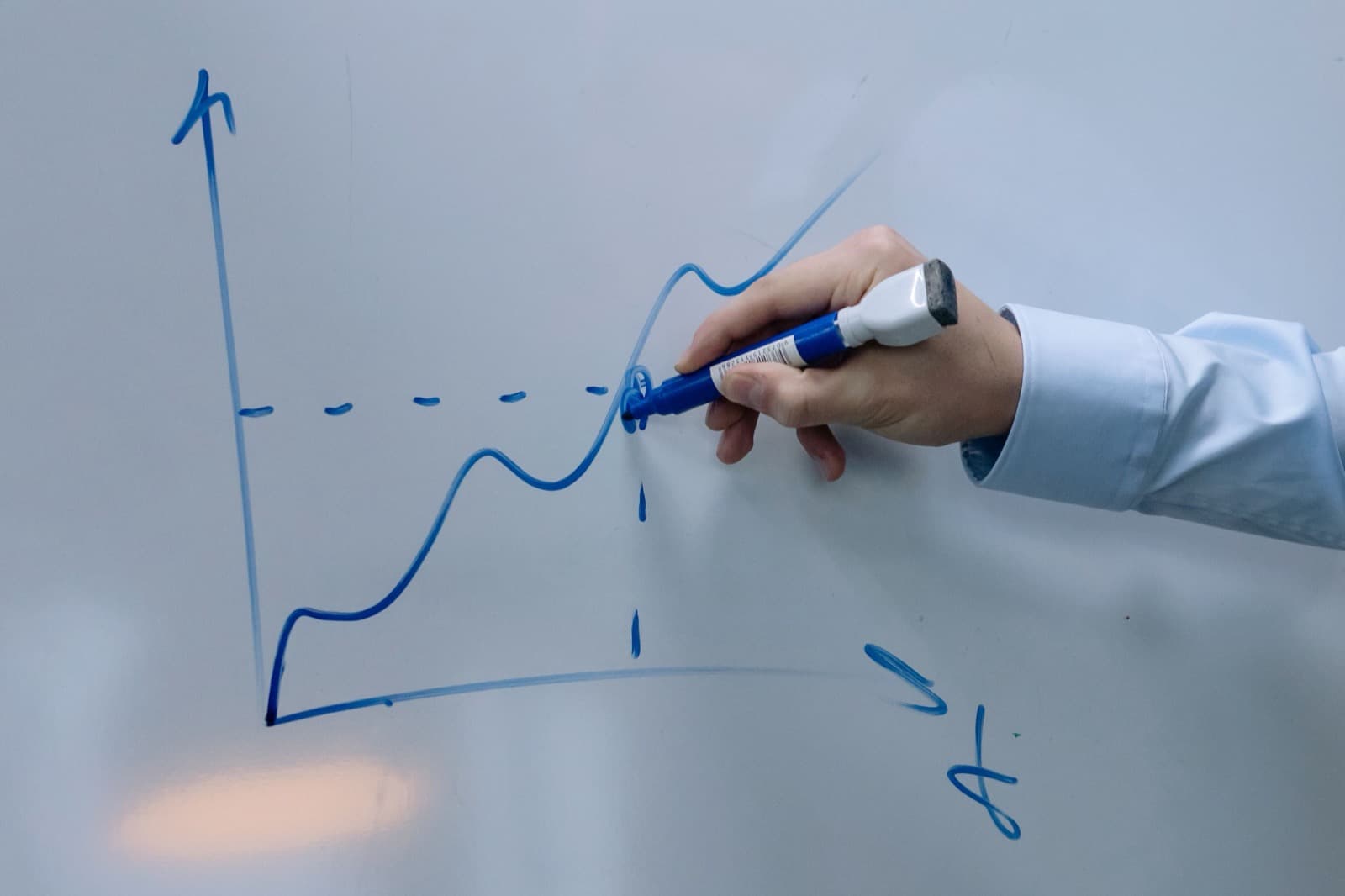
A whiteboard video lets people watch an explanation take shape. It can be useful for a service that is difficult to picture: a customer’s problem leads into your process, then to an outcome they can recognize. That sequence helps a prospect understand what they would be hiring you to do.
Choose a subject with a clear sequence
A service involving several roles can be drawn from inquiry to outcome. Each added element shows why the next stage exists. This is different from placing many icons on screen and moving them around while the narration carries all the meaning.
Whiteboard animation is less suitable when the viewer needs to recognize exact product details or a current interface. A simplified control may not match the real device. In that case, an approved product image with a few annotations may answer the question more accurately.
A practical story example
Imagine a fictional service provider that processes customer documents. Draw the customer and the document first, then add the handoff to the provider. Show a question returning to the customer before the completed output moves back. The sequence explains the working relationship rather than merely naming the participants.
Keep the drawing organized. If every element stays on screen indefinitely, the board can become hard to read. Group related elements or use a fresh scene for a new idea. A visible drawing hand is optional; a coherent explanation is not.
Review words and visuals together
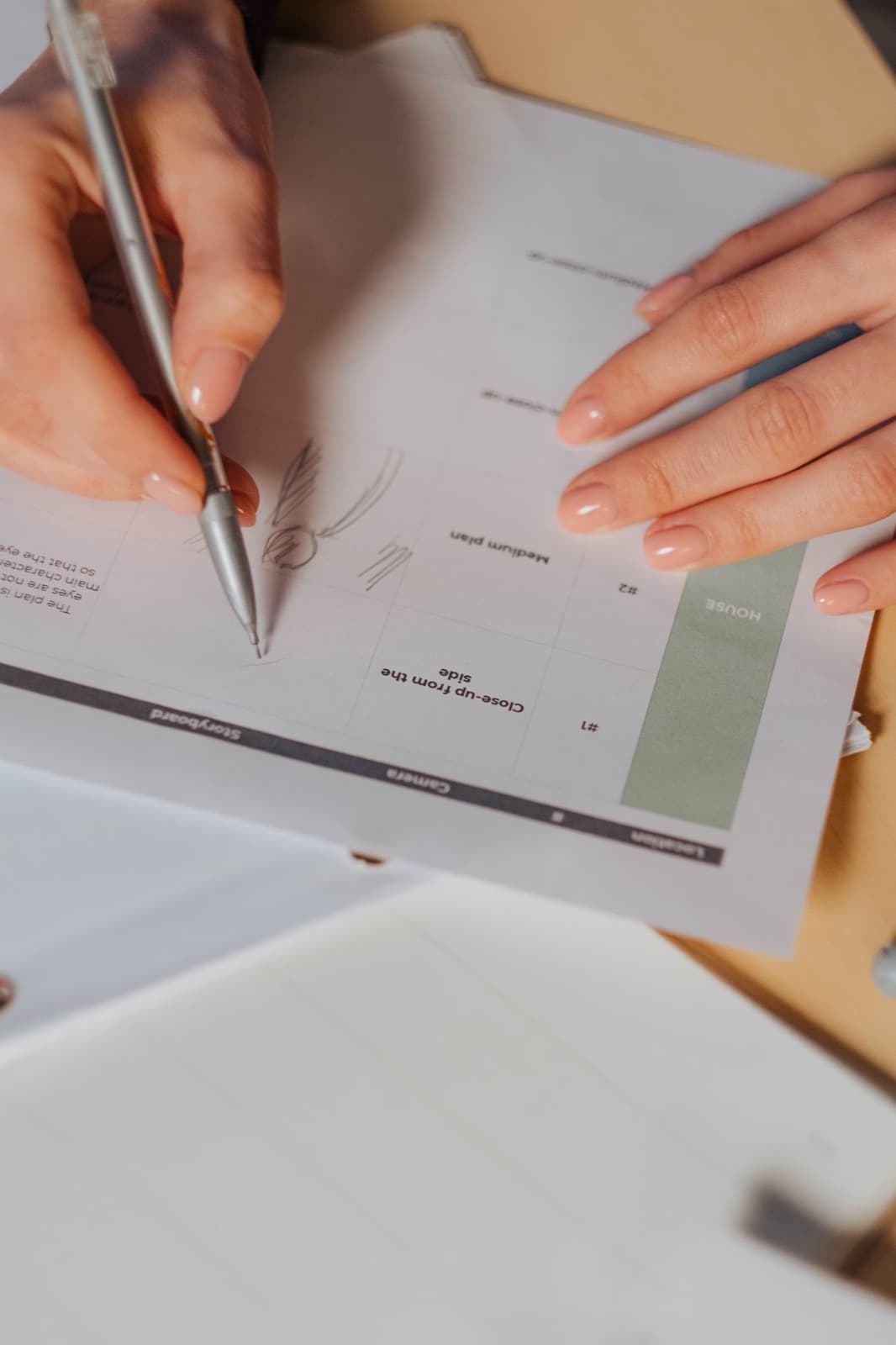
Read the narration while reviewing the storyboard. Does each scene add a useful piece of information? Is a spoken term introduced before the viewer can locate it? Remove decorative elements that compete with the main relationship.
Check the sequence without audio as well. Important roles and terms should still be identifiable. Captions or a readable text equivalent can support viewers who need the full explanation in another form.

What to put in the brief
Write down the question, the sequence and the terms people need to know. Mark any relationships that must be shown precisely. A few simple sketches can help you decide whether the drawing style suits the explanation.