Products & online shops
Make smart-lock setup clear about who does what
Show the correct device, app version and account role while keeping real access details out of the demonstration.
Capri Video · Updated · 1 min read
Example: an assembly manual brought to life
See how a printed manual becomes a sequence customers can follow. Our example shows the Duke Fitness XB30 assembly with counted parts and numbered steps.
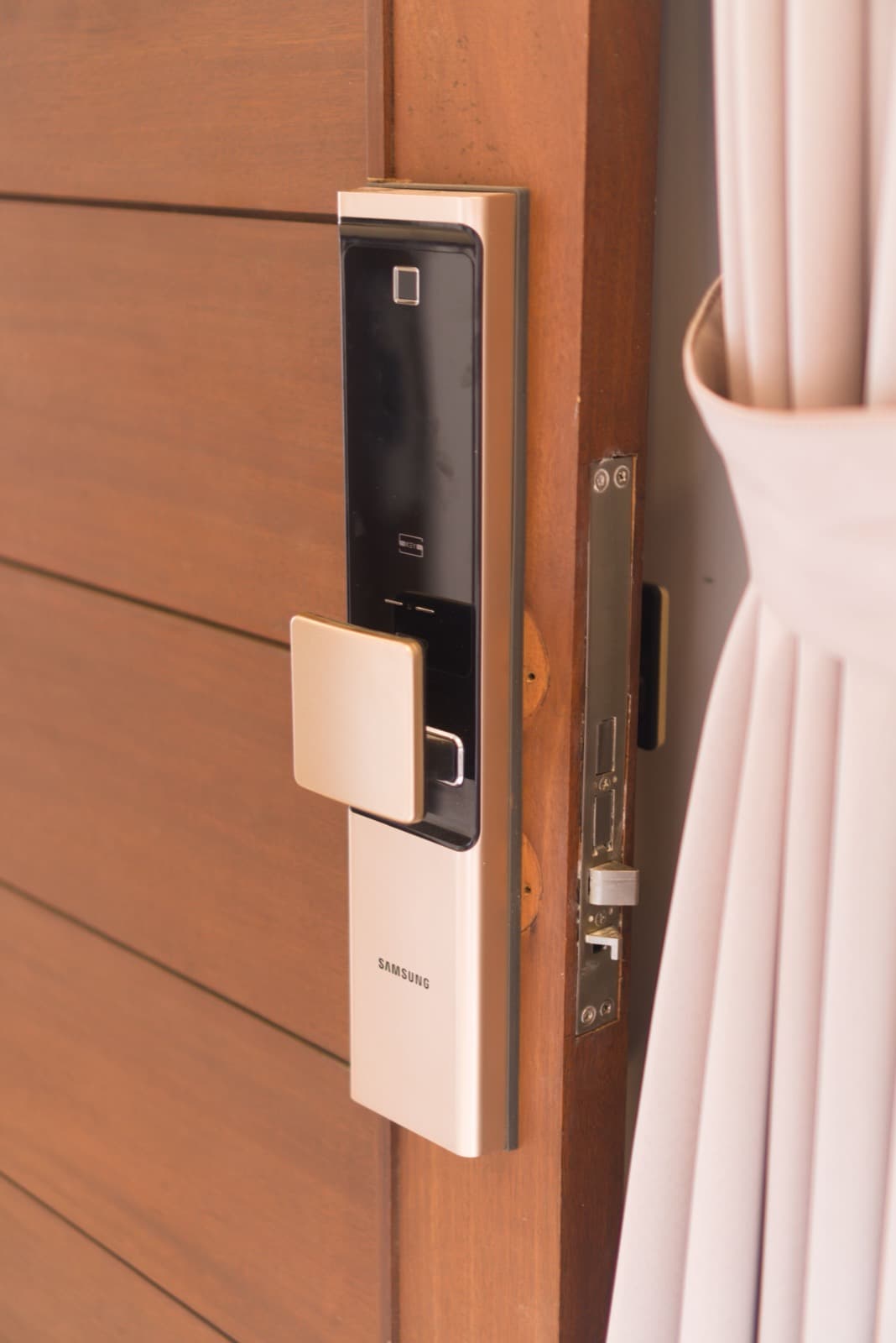
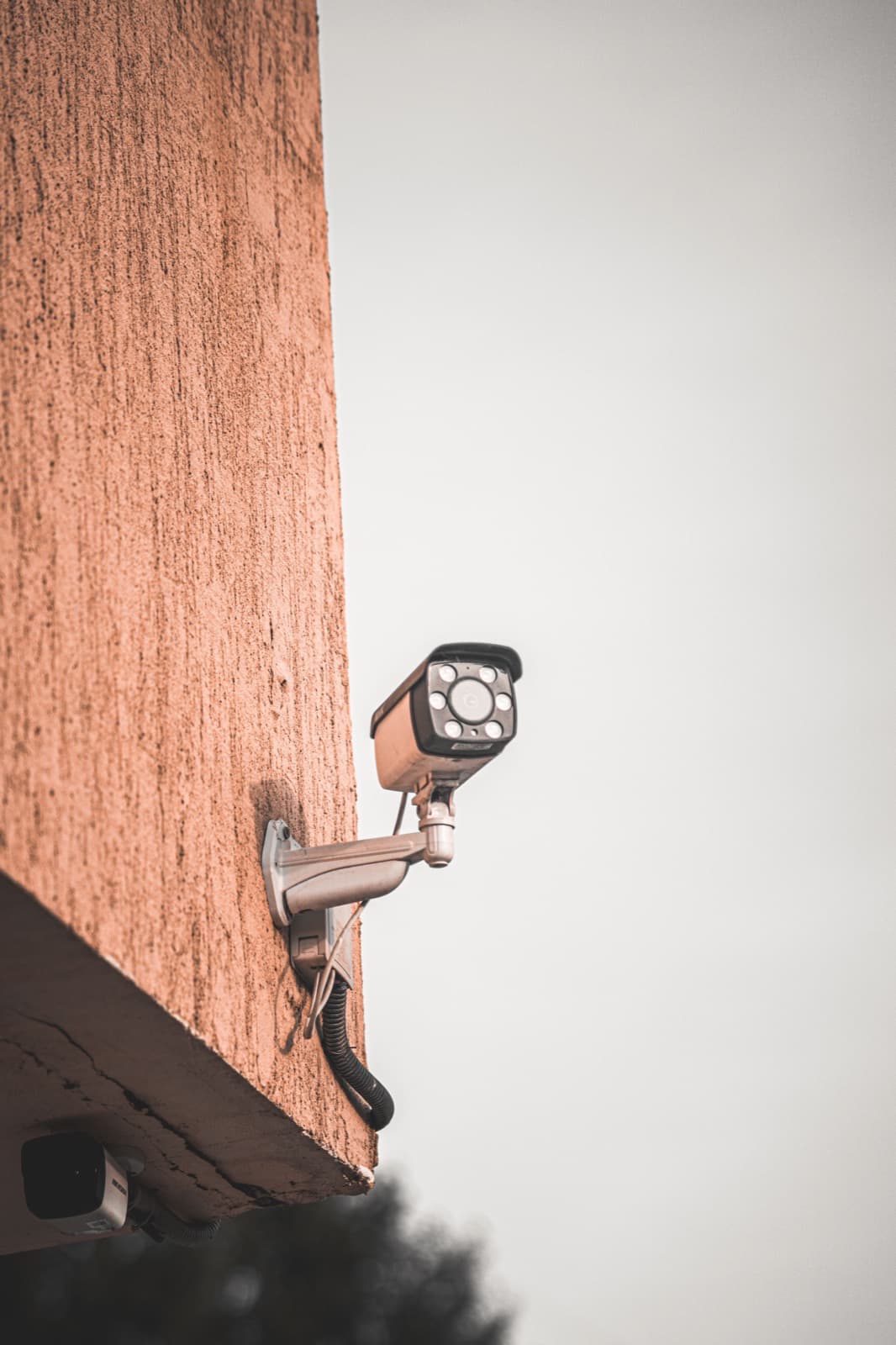
Smart locks and cameras bring hardware, an app and user permissions together. A setup film needs to be clear about all three. Follow one approved path for one product so owners can recognize the device and role they're seeing.
Identify the account role
Use a neutral demo account and the correct interface version. Show whether the person is setting up the device or using a function that has already been made available to them. Keep real access credentials, locations, and private camera views out of the material. End with the status the product actually confirms, without turning it into a broad security guarantee.
Start with the right product documents
Use current app screens, the exact manual and fictional demo accounts with the right permissions.
Record the model and documentation version, and check close-ups against the real product. Have the product specialist review the scenes before animation.
Help people find the right explanation
Put it in the matching help section and ask viewers which role they're seeing and how they recognize a completed step. Recheck the clip when the app or permissions change. A precise setup explanation is more useful than a broad promise about effortless access or monitoring.