Products & online shops
Connect the mower on the lawn to the app on the phone
Follow one supported setup path with the same device, app version and labels throughout.
Capri Video · Updated · 1 min read
Example: an assembly manual brought to life
See how a printed manual becomes a sequence customers can follow. Our example shows the Duke Fitness XB30 assembly with counted parts and numbered steps.
A robotic mower setup involves both the device and its app. Show how they connect using one model and a current, confirmed setup path. Mixing screens from different versions can confuse owners even when the film looks tidy.
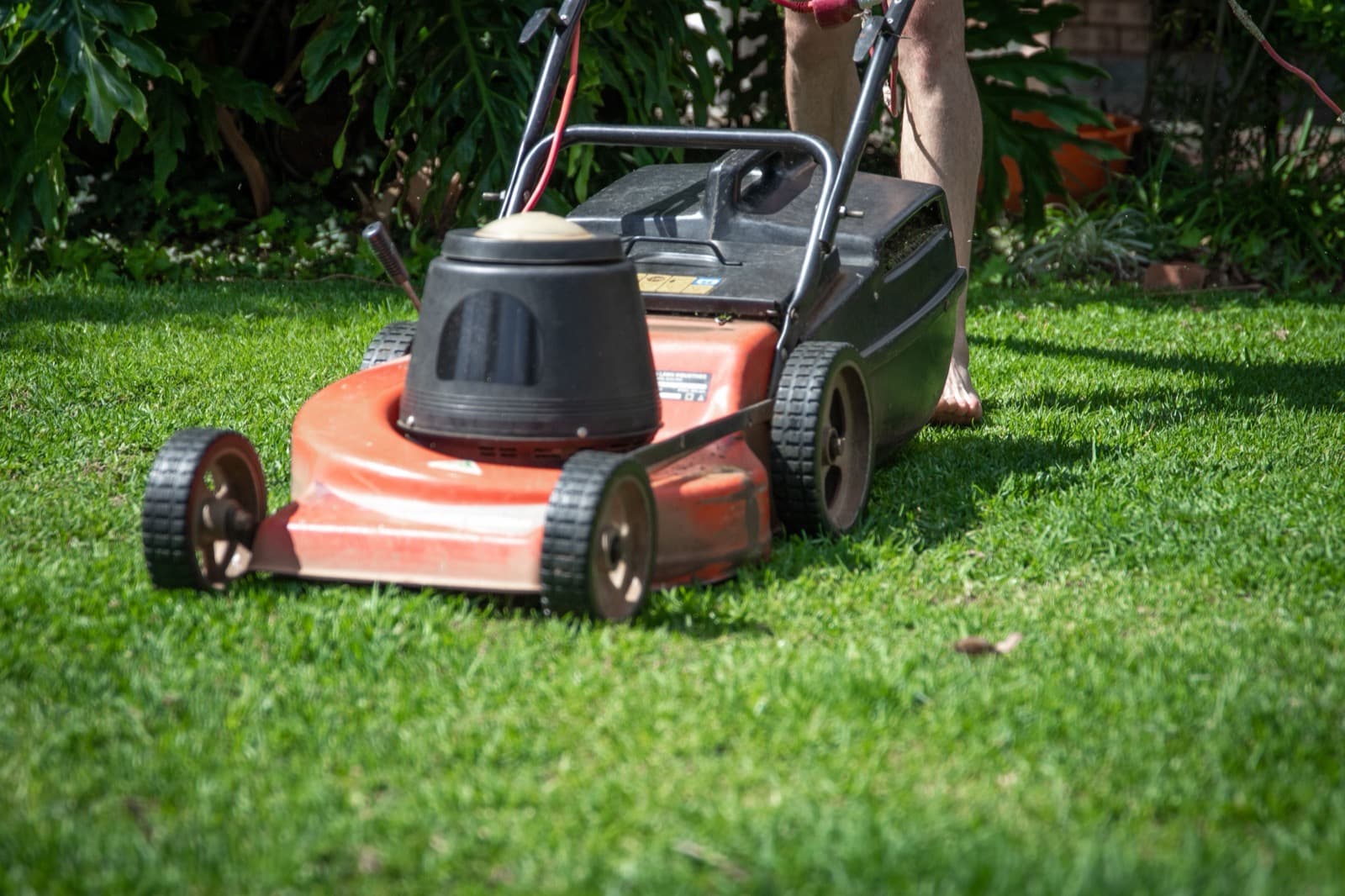
Keep the device and screen together
Use a clearly identified demonstration device and approved screens. Switch between the app and hardware only when the relationship matters. Keep a persistent device label so the viewer knows which product a setting affects. Site-dependent decisions should remain visible as conditions to confirm, not as a universal setup for every yard.
Start with the right product documents
Gather current product and app documents, device images, approved steps and the questions support staff hear most often.
Record the model and documentation version, and check close-ups against the real product. Have the product specialist review the scenes before animation.
Help people find the right explanation
Add it to setup help for the correct model. Ask a new user to identify the device and screen at each step. Update that module when the interface changes. A focused clip is easier to keep accurate than one film covering every feature and every possible yard.