Products & online shops
Make outdoor-gear options easier to compare
Show two tent-system configurations from the same angle, with clear labels for included and optional components.
Capri Video · Updated · 1 min read
Example: an assembly manual brought to life
See how a printed manual becomes a sequence customers can follow. Our example shows the Duke Fitness XB30 assembly with counted parts and numbered steps.
Similar names can hide real differences between outdoor-gear configurations. Show the version and the parts it includes before heading into scenic footage. Those details help buyers work out what they'd actually receive.
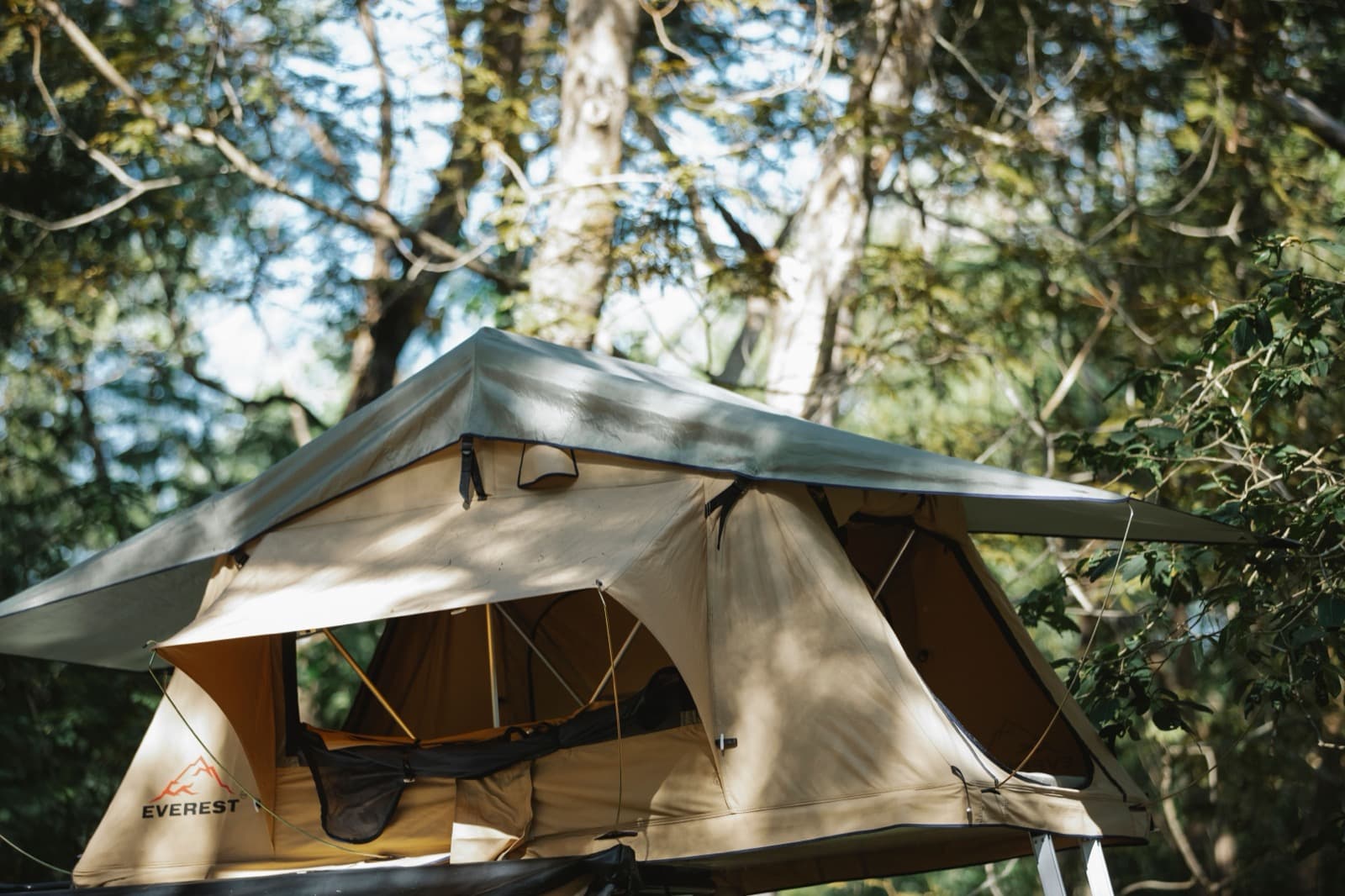
Use the same viewpoint for both versions
Compare two available tent-system configurations from the same viewpoint. Highlight the components that differ and label optional accessories immediately. Keep setup guidance in a separate approved module. A short excerpt should not suggest that omitted stages are unnecessary for assembling the complete system.
Start with the right product documents
Gather current instructions, component images and a comparison of the available variants and approved uses.
Record the model and documentation version, and check close-ups against the real product. Have the product specialist review the scenes before animation.
Help people find the right explanation
Use the comparison on the product page and ask which configuration a viewer expects to receive. Repeated accessory questions may deserve another clip. Weather can set the scene without implying unverified protection claims. Connect each version to its included parts and the instructions that belong to it.