Products & online shops
Help buyers recognize the controls on cardio equipment
Use the correct model and a readable close-up to explain one control, with operating guidance kept in a separate module.
Capri Video · Updated · 1 min read
Example: an assembly manual brought to life
See how a printed manual becomes a sequence customers can follow. Our example shows the Duke Fitness XB30 assembly with counted parts and numbered steps.
A workout montage says little about the controls on a treadmill or exercise bike. Show buyers one model and one question, such as what a particular control does. Small differences between machines deserve to stay visible.
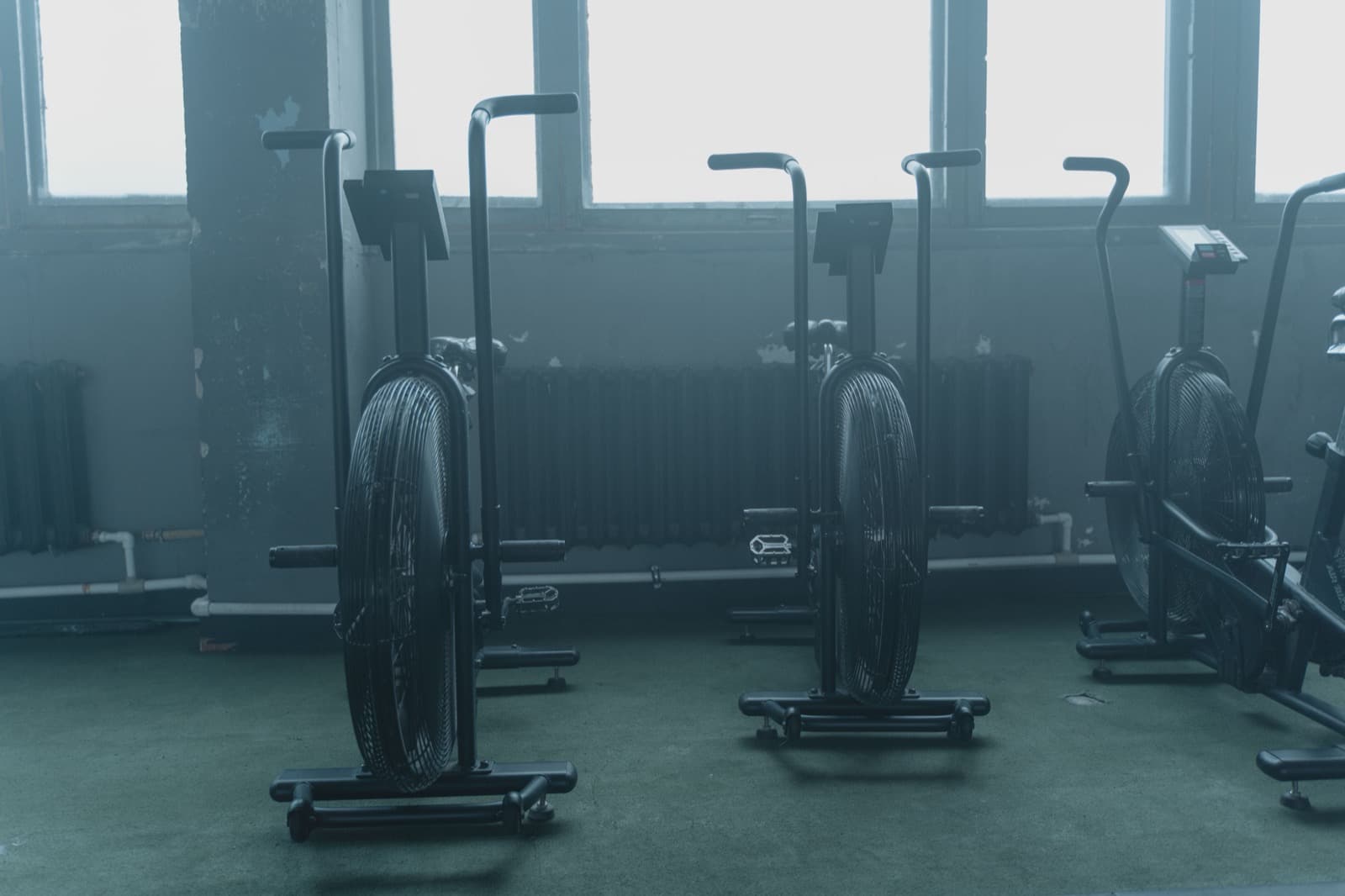
Move from the machine to the control
Use a close-up to show the relevant element and a wider view to orient the viewer. Explain its function using the manufacturer's approved material. Keep a detailed operating sequence in a separate instruction module so the purchase-stage introduction remains focused. Do not combine controls from different models into an attractive but inaccurate representation.
Start with the right product documents
Bring the current model manual, photos or CAD files, part names and a technical reviewer.
Record the model and documentation version, and check close-ups against the real product. Have the product specialist review the scenes before animation.
Help people find the right explanation
Place it on the product page or in the matching help entry. Ask viewers to find the same control on the correct model. Support questions can guide later edits. Keep the explanation about the product, without adding claims about fitness results or whether it suits a particular person.