Software & apps
Explain what a warehouse scan actually records
Connect one shipment's digital status with the next supported action and any physical handling still to come.
Capri Video · Updated · 1 min read
A scan is easy to animate. What it means for the warehouse team takes more explanation. Follow one fictional shipment to show what gets recorded and what someone can do with that information next.

Follow the shipment after the scan
Begin with intake and a consistent shipment identifier. Show the actual product status, then the confirmed next action. Distinguish a recorded event from a physical handoff. Include integrations and automatic steps only where they exist in the demonstrated setup, rather than connecting every icon with an unexplained moving line.
Prepare a consistent demo
Bring demo screens, confirmed event definitions, user roles and anonymized shipment examples.
Use fictional demo data and record the screens and product version shown. Check who acts in each scene and what the screen actually confirms.
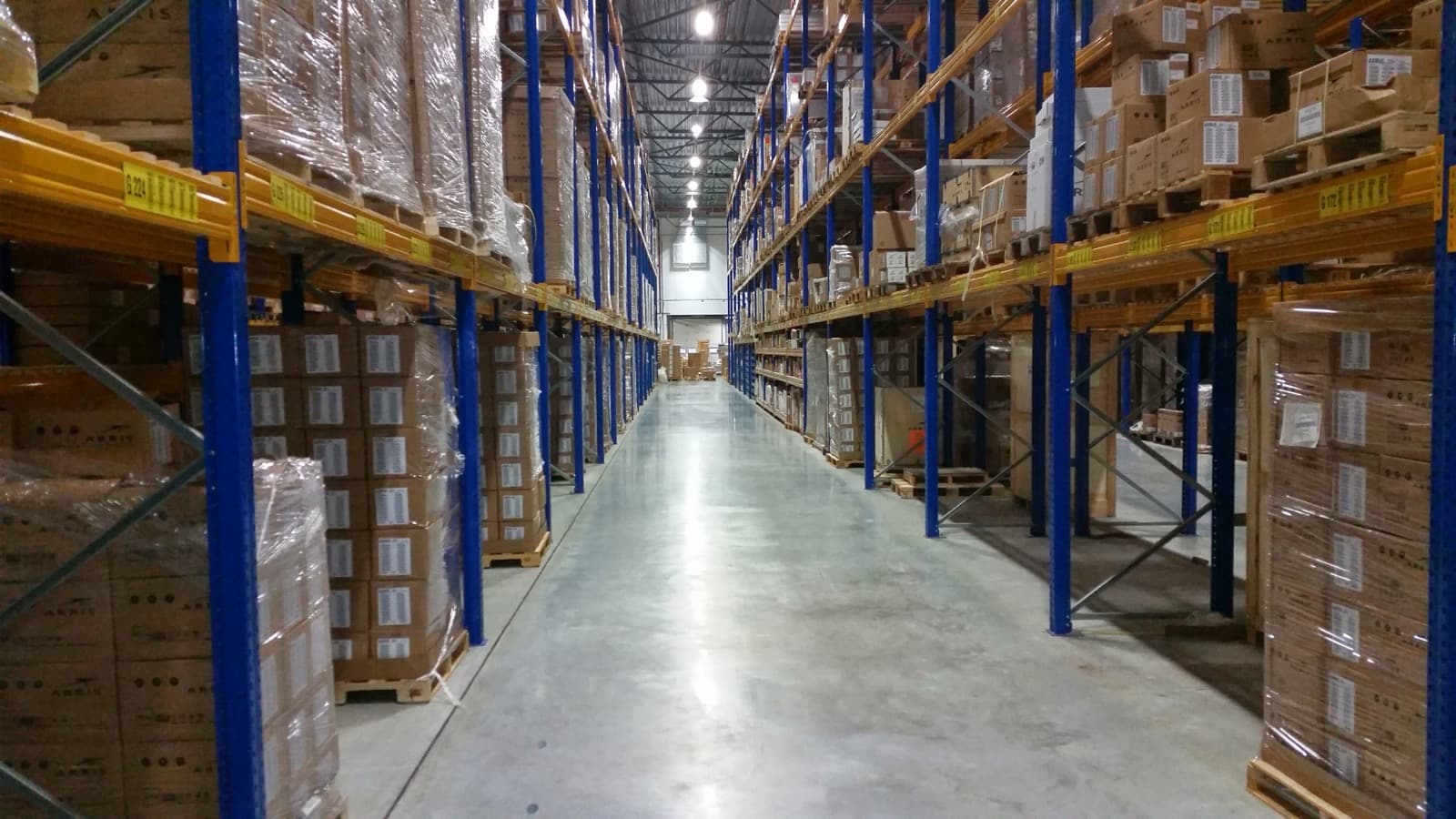
Try it before the next demo
Show it before a demo for the relevant team. Ask what's known after the scan and what work remains. If a digital status looks like proof that goods have physically moved, change the wording or transition. This link between recorded information and actual work is the point of the example.