Industry & logistics
Show what moves through the machine
Use a cutaway to connect material input, the relevant station and output without inventing performance figures.
Capri Video · Updated · 1 min read
A machine can look impressive while leaving its role unclear. Follow what goes in, what the key component does and what comes out. That gives an industrial animation a story a buyer can follow.
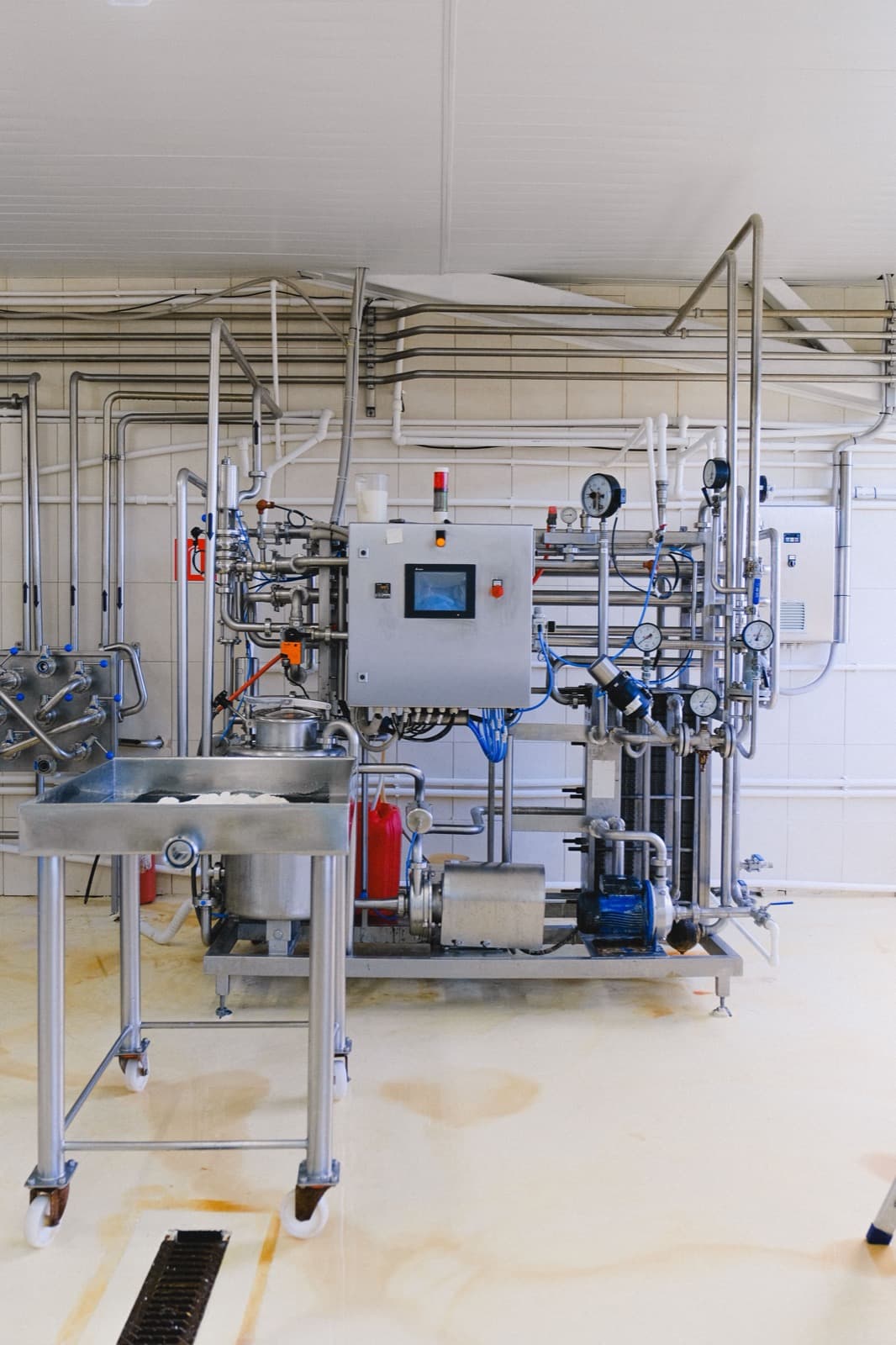
Follow the material
Use an approved cutaway and consistent labels for input, the key station, and output. Identify schematic motion where appropriate. Keep operation and maintenance guidance separate from the sales overview, since those jobs require different detail and review.
Prepare the technical material
Bring CAD files or approved drawings, technical data and someone qualified to review the machine's operation.
Mark schematic views clearly and have a technical specialist check the details. Then ask someone from the intended audience whether the explanation makes sense.
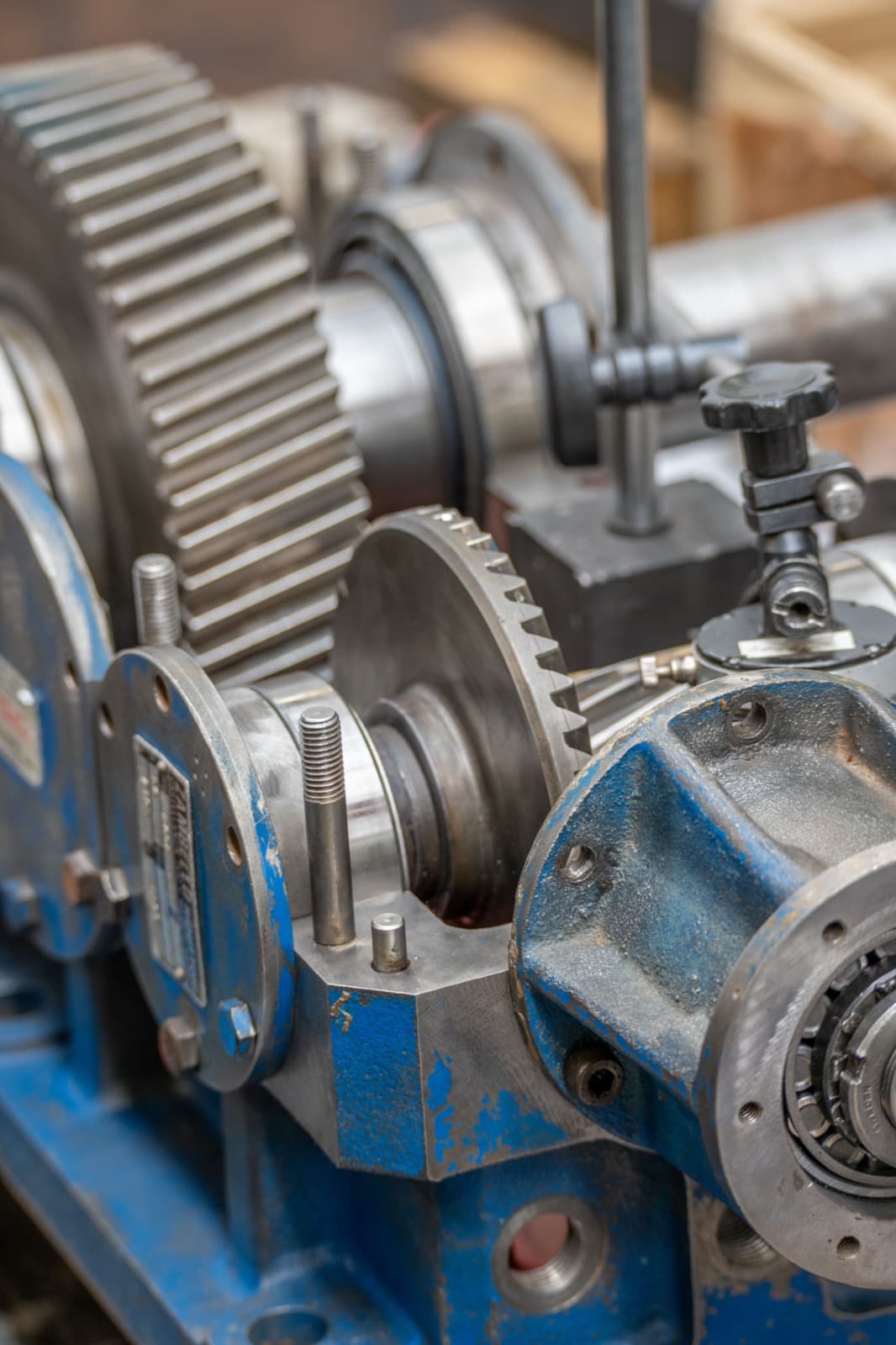
Use it in the technical conversation
Use it on the product page, in technical sales or at a trade show. Ask what the machine contributes to the process. If viewers describe only its appearance, make the material path clearer. Keep throughput, reliability and performance figures tied to verified information for the actual model.