Products & online shops
Give new appliance owners a map of the parts
An accurate exploded view can connect bowls, lids and inserts with the names used in the product documentation.
Capri Video · Updated · 1 min read
Example: an assembly manual brought to life
See how a printed manual becomes a sequence customers can follow. Our example shows the Duke Fitness XB30 assembly with counted parts and numbered steps.
A new kitchen appliance can arrive with a confusing collection of bowls, lids and inserts. Help owners work out which parts belong together. One clear question is a better starting point than a tour of every recipe the appliance might make.
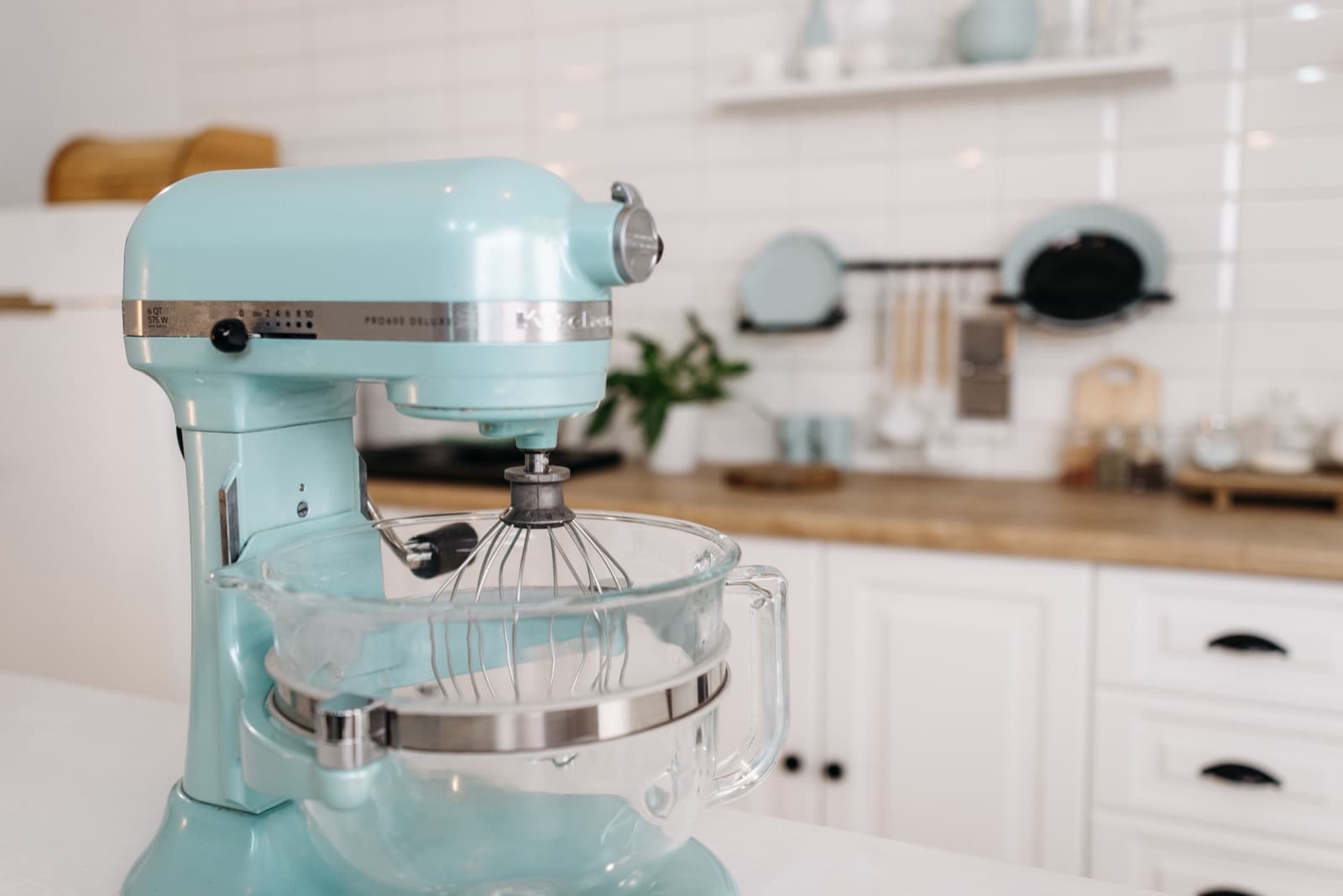
Name the pieces as they appear
Use an accurate exploded view with consistent component names. Introduce related parts in a clear order without implying an assembly sequence that differs from the manual. Keep first-use instruction as a separate, approved task. Optional accessories should be labeled where they appear, not only mentioned briefly at the end.
Start with the right product documents
Bring the parts list, photos or CAD files and current instructions, with a product reviewer to check the draft.
Record the model and documentation version, and check close-ups against the real product. Have the product specialist review the scenes before animation.

Help people find the right explanation
Use it on the product page and in post-purchase information. Ask people to match the pictured parts with their names. A wrong answer may reveal a confusing angle or inconsistent label. Keep the film tied to supported functions and the manufacturer's operating information, rather than letting attractive animation fill in missing details.