Software & apps
Follow a project question through construction software
Use one document detail to explain assignment, replies, versions and any separate approval step.
Capri Video · Updated · 1 min read
A question about a construction drawing needs the right document, the right person and a status people can trust. Follow one fictional issue through the software so those details stay connected as the conversation moves between teams.
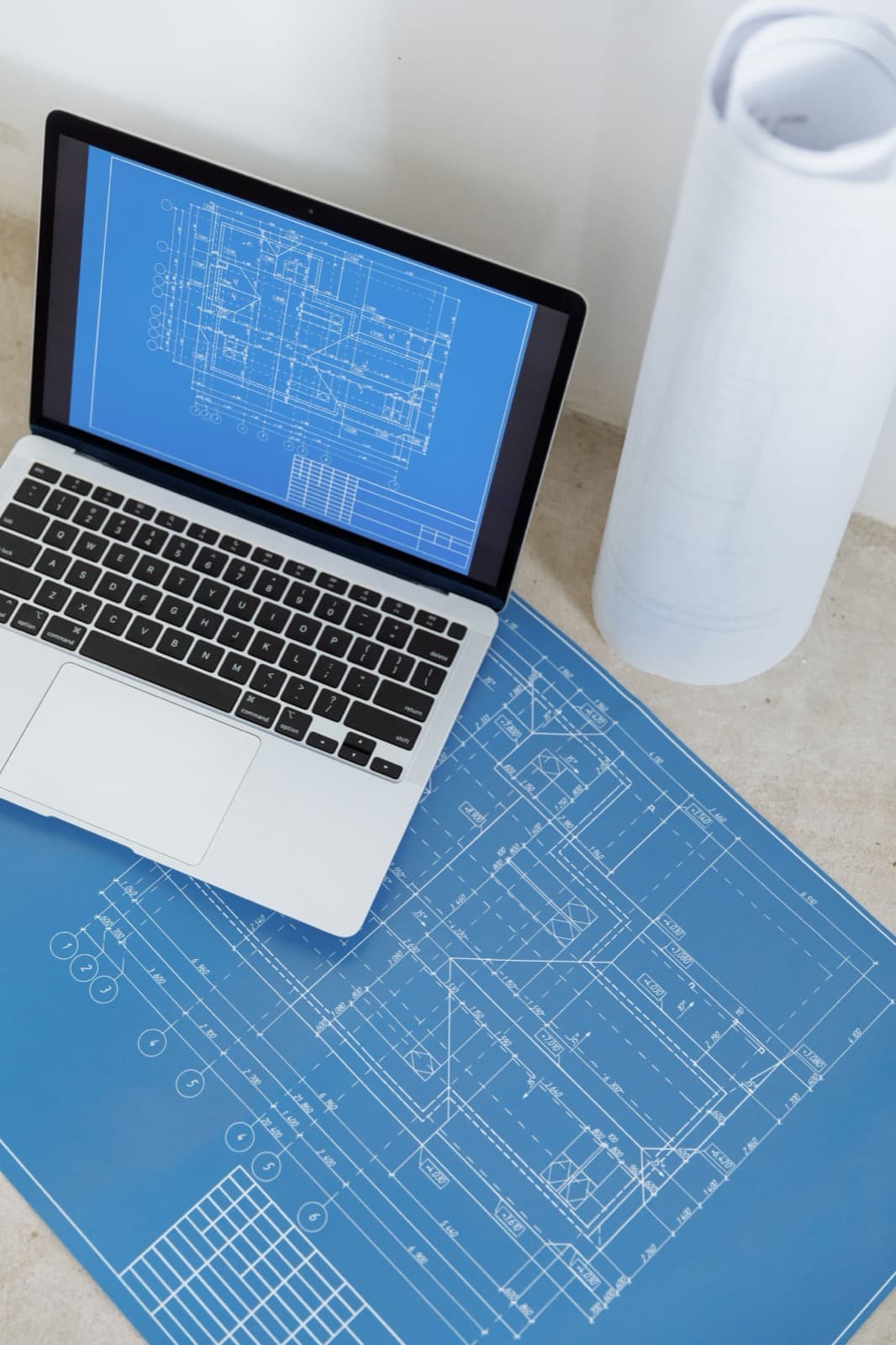
Keep the document detail in view
Begin with a marked detail in a neutral sample document. Show the supported assignment and the response in the product. Keep document version and status clear. Receiving a message should not automatically look like technical approval if the actual workflow treats approval as a separate action.
Prepare a consistent demo
Bring current demo screens, role and status definitions and anonymized project documents.
Use fictional demo data and record the screens and product version shown. Check who acts in each scene and what the screen actually confirms.

Try it before the next demo
Show it to project managers or office teams during product discussions. Ask which document the reply refers to and whether the issue is resolved. Clearer labels may help more than extra screens. Leave real project decisions with the responsible people and processes, even when the demonstration looks simple.