Software & apps
Connect the sensor reading to the next action
Trace one supported IoT signal into the platform while keeping monitoring and machine control distinct.
Capri Video · Updated · 1 min read
A sensor beside a dashboard doesn't explain an IoT platform. Follow one signal and show what the product lets someone do with it. That connects the hardware and data to a recognizable piece of work.
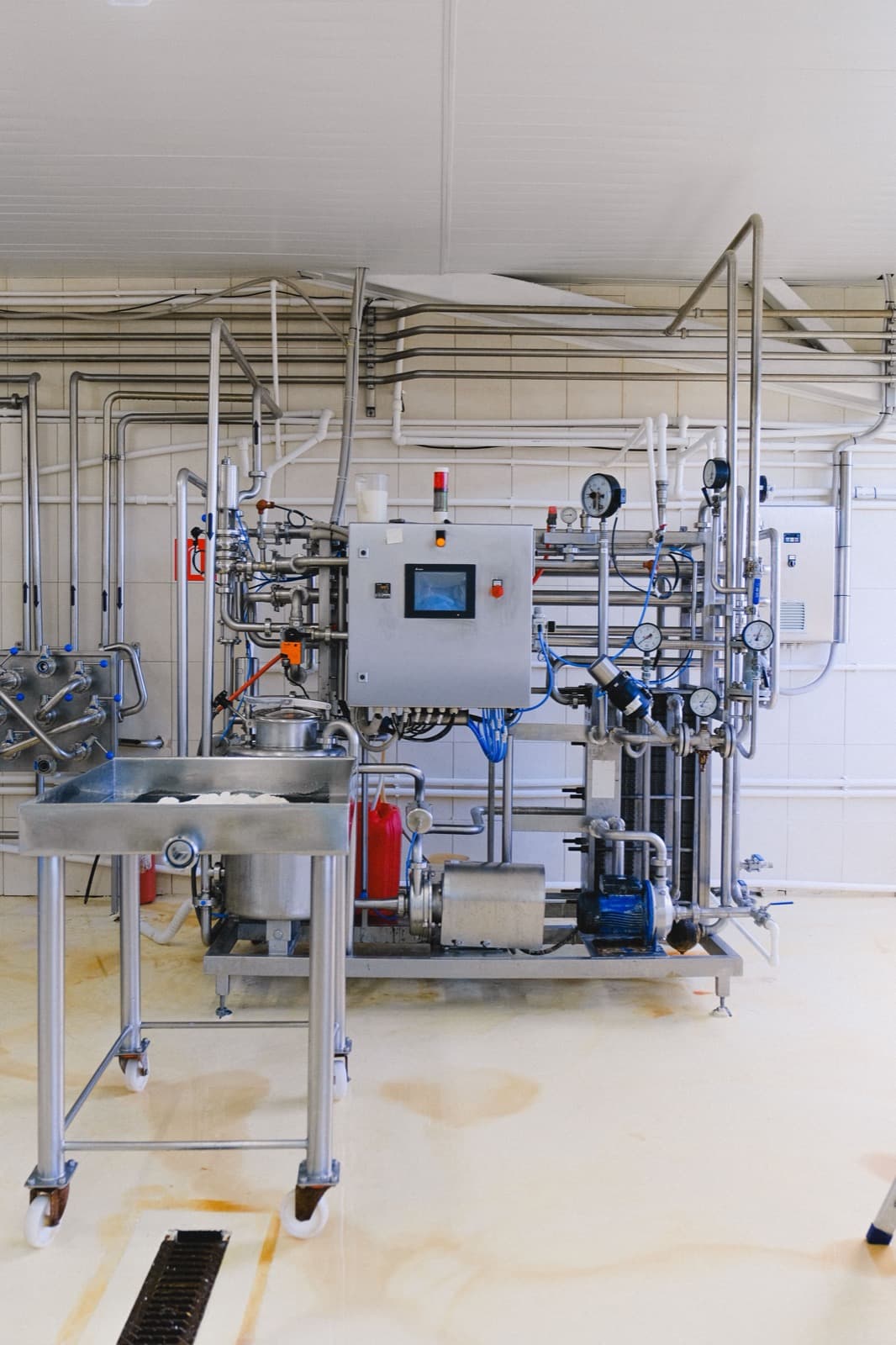
Follow a signal through the platform
Choose a specific approved signal example. Show intake, supported processing, and the actual display. Then move to a confirmed user action. A dashboard observation is different from controlling a machine, so keep that boundary explicit in the diagram and wording.
Prepare a consistent demo
Start with the actual architecture, supported devices, demo screens and the processing steps being explained.
Use fictional demo data and record the screens and product version shown. Check who acts in each scene and what the screen actually confirms.
Try it before the next demo
Use it to introduce the relevant industry application. Ask which component creates the signal and what the platform does afterward. If viewers confuse monitoring with control, revise the diagram and wording. Keep every connection grounded in the supported setup so buyers can discuss how it relates to their equipment.