Software & apps
Show what retail software does after checkout
Follow a sample purchase into order handling and inventory, making the limits of each connected system clear.
Capri Video · Updated · 1 min read
Checkout is only part of the story for a retail-software buyer. Follow one fictional purchase into the inventory and order-handling steps your product supports. Keep the same item visible so the connection is easy to follow.
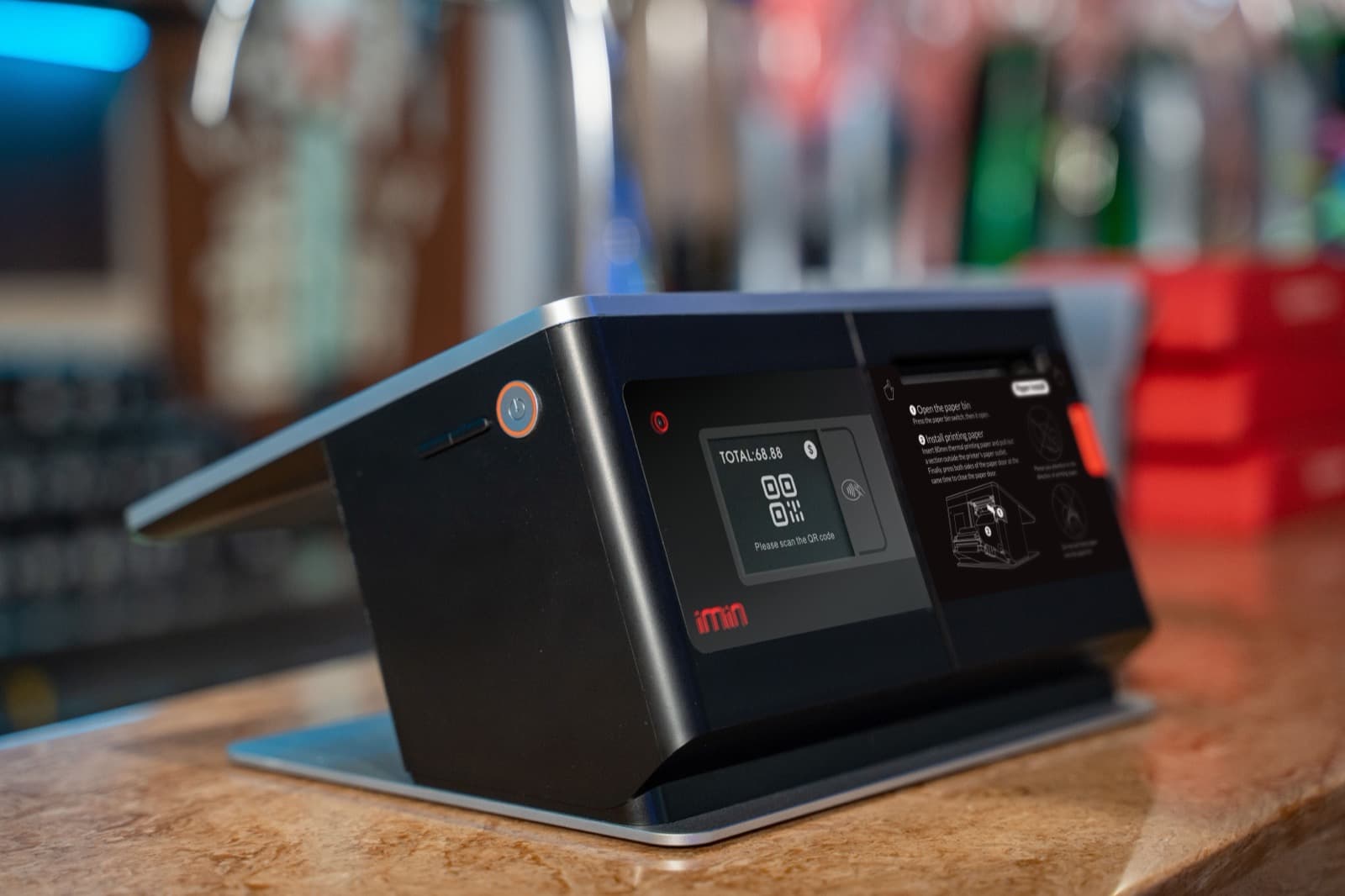
Stay with the purchase after the sale
Start at the supported store or online checkout, then show the actual next states. Identify whether each step occurs inside the product or in a connected system. A transition between devices should not imply real-time automation or compatibility with every platform. Labels can make these boundaries understandable without overwhelming the viewer.
Prepare a consistent demo
Use demo screens and a confirmed description of the roles, steps and integrations involved in the purchase.
Use fictional demo data and record the screens and product version shown. Check who acts in each scene and what the screen actually confirms.
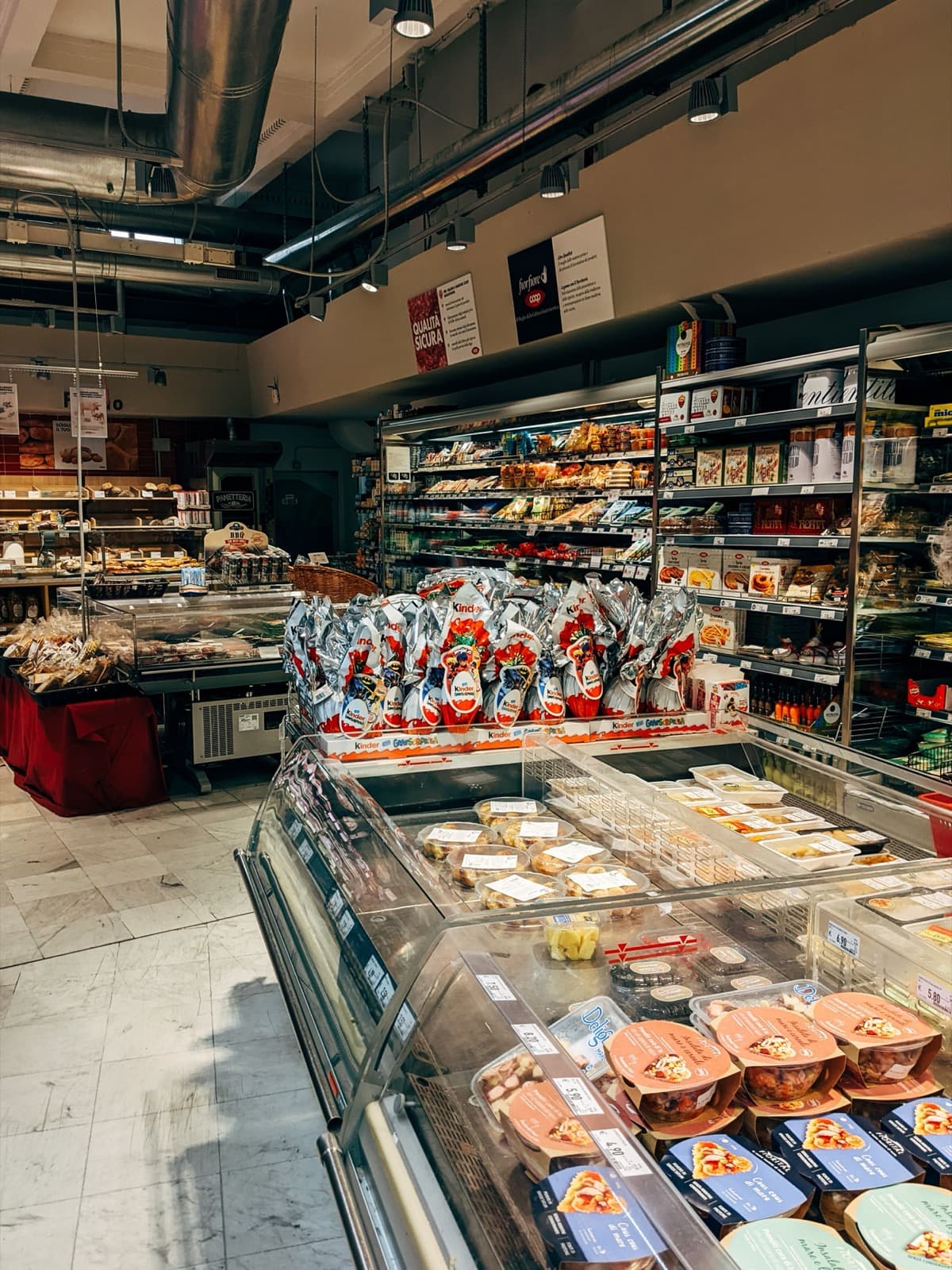
Try it before the next demo
Put it on the relevant retail-solution page. Ask where the order is handled and which inventory information appears afterward. If the answer blurs two systems, clarify that transition. Use the example to start a discussion about the buyer's channels, rather than implying every retailer has the same setup.