Production guide
Explainer video storyboard: plan your film scene by scene
What an explainer video storyboard is, what it decides and how to build one: the hook, problem, solution, proof and call to action in pictures, frames vs. scenes, a walk-through of a real film and a review checklist.
Capri Video · Updated · 9 min read
Key takeaways
- An explainer video storyboard shows every scene as a rough sketch next to its line of script, so you can check the whole film before anything is drawn or animated.
- The storyboard decides what's on screen while each line is spoken, in what order things appear, and where the viewer looks. The script decides the words; don't mix the two jobs up.
- Most explainers follow the same visual spine: a hook the viewer recognizes, the problem made concrete, the solution in two or three steps, one piece of proof, one next step.
- A storyboard change costs minutes. The same change after animation means redrawing scenes and often re-recording the voice, so review the board as if it were the finished film.
An explainer video storyboard is the scene-by-scene plan of your film: every line of the script next to a rough sketch of what's on screen while that line is spoken. It's the last point where changing your mind costs minutes. After it, the same change means redrawing scenes and often re-recording the voice.
A finished explainer looks effortless: things appear exactly when they're mentioned, the eye always knows where to go, and the story lands in 90 seconds. None of that happens during animation. It happens on the storyboard, where the film exists as a row of sketches that anyone can question, reorder or cut.
This guide covers what a storyboard is and isn't, what a good one decides, the structure most explainers follow, a walk-through of a real film beat by beat, and a checklist for reviewing a board before animation starts.
Start with your website link. We create your first video for free with a watermark, including three revision rounds, no credit card needed. To keep the original without a watermark, subscribe from $99 a month plus sales tax, cancel monthly. Try it for free.
What a storyboard is, and what it isn't
Explainer production runs through a handful of planning artifacts, and they get mixed up constantly. Each one fixes a different decision, and each gets expensive to change at a different point.
Swipe sideways if needed to read the full table.
| Stage | What it fixes | Typical form | Cost of changing it later |
|---|---|---|---|
| Script | The words, the order of ideas, the length | Text, often in a two-column audio/visual format | Cheap while it's text; expensive once the voice is recorded |
| Style frames | The look: colors, characters, level of detail | One or two finished-quality frames | A new style means redrawing everything, so settle it early |
| Storyboard | What's on screen for every line, scene order, transitions | Rough sketches next to script lines | After animation, every change is a scene rebuilt |
| Animatic | Timing: how long each scene holds | The storyboard cut to the recorded voice | Timing shifts are cheap here, costly after animation |
The script comes first, always. If you haven't written one yet, start with our guide to writing an explainer video script; this article assumes the words exist and stay fixed.
One distinction worth keeping straight: frames and scenes are not the same thing. A scene is one continuous moment in one setting, such as a customer at her kitchen table. A frame is one sketched snapshot within it. A scene often needs two or three frames to show what changes: the letter arrives, she opens it, her expression falls. Count on roughly one frame per sentence of narration.
What a good storyboard decides
A storyboard that's just decoration under the script wastes everyone's time. A useful one settles concrete questions:
- What is on screen while each line is spoken. Not approximately. Exactly: which character, which object, which label.
- One focus per frame. Animation directs attention; a frame where three things compete directs it nowhere. The board is where you catch that.
- What enters and what leaves. Elements should arrive when they're mentioned and go when they're done. The board notes both.
- On-screen text. Short labels and numbers, never a subtitle of the narration. If the voice says a sentence and the same sentence appears as text, viewers read ahead and stop listening.
- Continuity. The same customer, the same product, the same colors from the first frame to the last. Boards expose the scene where the character suddenly has different hair.
- Transitions. Does the camera cut, slide or zoom between scenes? A film that changes transition style every scene feels assembled, not told.
- Where the brand enters and where the film ends. The logo usually arrives at the turn, not in frame one, and the final frame holds one action and one address, long enough to be read.
The structure most explainers follow
Explainers that hold attention tend to share a five-beat spine. The script carries these beats in words; the storyboard's job is to give each one a distinct visual shape.
- Hook: one person in one recognizable moment. Visually, this is the most specific frame of the film: a real situation, not a montage of generic office shots.
- Problem: the consequence made visible. Things pile up, a clock moves, a face falls. The board should show the problem getting worse across two or three frames, not sitting still.
- Solution: your offer arrives, and the palette or energy of the frames often shifts with it. Then two or three steps, each with its own frame, each showing the viewer's side of the action.
- Proof: one reason to believe, drawn concretely. A guarantee as a label, years of experience as a number, a real mechanism shown working.
- Call to action: the opening situation again, resolved, then one next step. Ending where you began is the cheapest storytelling trick there is, and it works.
If you're still deciding what kind of film this should be at all, our overview of what an explainer video is maps the formats first.
Walk-through: a real film, beat by beat
Theory is easier to check against a finished film. This is our Isometric example for ExtraScapes, a landscape designer in Albuquerque. Watch it once, then read how its storyboard decisions line up.
- The hook is a place, not a claim. The film opens on a bare backyard. On a storyboard that's one frame, and it already tells the viewer whose story this is.
- The process gets one frame per step. A discovery call, an on-site consultation with drone imaging, a custom 3D design you can walk through, revisions, final plans. Each step is a distinct scene, so the board reads like the numbered list a customer would actually experience.
- The proof is drawn, not asserted. The estimate is price-locked to the design the customer approved. That's a storyboardable fact: a number that stays put.
- The ending is one next step. No recap, no second call to action.
That mapping, from an offer's real steps to a row of frames, is the whole craft. It works the same whether the subject is a backyard, an insurance conversation or software, though software boards face one extra choice: real screens or simplified ones. Our guide to SaaS video production covers that trade-off, and for physical step-by-step subjects, instructional videos have their own conventions.
How to build your storyboard, step by step
- Lay out the script one sentence per row. The sentence is the unit of the board. If a sentence needs two pictures, split the row, not the sentence.
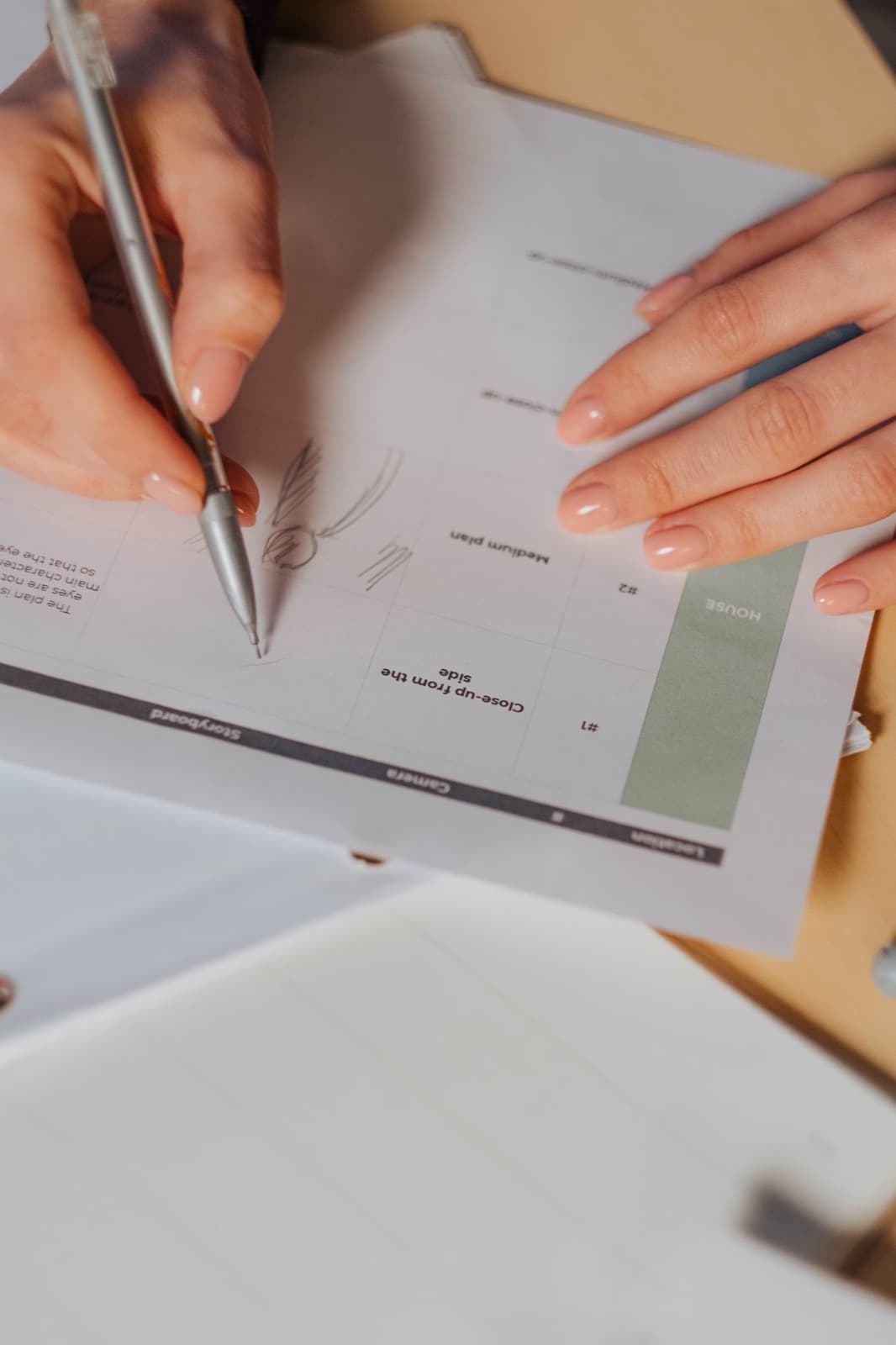
- Sketch each frame rough. Boxes, stick figures, arrows: the board decides content and order, not the final look.
- Note the movement. One line per frame: "list piles up", "phone slides in", "camera pulls back". If you can't name the movement, the frame probably doesn't need one.
- Mark every piece of on-screen text. Labels, numbers, the URL at the end. Seeing them in sequence shows you whether the film is quietly becoming a slideshow.
- Read it against a stopwatch. The voice sets the length, roughly 130 to 150 spoken words per minute. If the board has 24 frames for a 60-second script, scenes will flash by. Our guide to explainer video length has the word counts per duration.
- Check continuity last. Same character, same product, same props across all frames. Mark anything that must match your brand exactly.
Storyboard mistakes that show up in the finished film
- Illustrating the nouns. The voice says "invoice", the screen shows an invoice, and nothing more happens. A frame should show what the line can't say: the invoice arriving late, the pile growing.
- Everything moves. If every frame has three animations noted, the finished film will vibrate. One movement per frame is a good default.
- Two frames that say the same thing. On the board it looks thorough. On screen it feels slow. Cut one.
- Narration as on-screen text. The fastest way to lose a listener is to make them a reader.
- Choosing imagery the style can't carry. A whiteboard film lives on line drawings building up an argument; a frame that calls for lush full-color scenery fights it. Match frames to the style, or revisit the style with our guide to choosing an animation style. For whiteboard specifically, the drawing itself is the performance, which makes its storyboard nearly a finished film; see the whiteboard explainer guide.
- Tone-deaf casting of the style. A playful cartoon frame sequence for a law firm's inheritance service will feel wrong no matter how well it's drawn.
Reviewing a storyboard before animation starts
Approve a storyboard the way you'd approve the film, because in every way that matters, it is the film. Check:
- Can an outsider retell the story from the sketches alone, without the script?
- Is the viewer's situation on screen within the first two frames?
- Does every frame have one focus, and does something change in every scene?
- Is each step of your process its own frame, in the order a customer experiences it?
- Is all on-screen text short, correct and current: prices, steps, the URL?
- Does the final frame hold exactly one action?
- Is anything missing that sales or support would immediately notice?
Collect feedback in one round, from the people who'll approve the final film. "Scene 7: show the confirmation on the phone, not the laptop" is storyboard feedback. "Can we try a different opening?" is script feedback, and it's still cheap, as long as it happens now.
What a storyboard costs, and how to get one
At freelancers and studios, the storyboard is part of pre-production and is priced into the project; it's one of the stages a serious quote should name, alongside script and revision rounds. Our guide to comparing explainer video quotes shows what else to look for, and the article on explainer video prices maps the full market from template tools to agencies.
With Capri Video you don't storyboard anything yourself. You paste your website link, we build the story, and your first reviewed, watermarked draft arrives within 24 hours: a watchable video rather than a stack of sketches to interpret. You get three revision rounds. To keep the original without a watermark, subscribe from $99 a month plus sales tax, cancel monthly. Try it for free.
Frequently asked questions
What is a storyboard for an explainer video?
A scene-by-scene plan of the film: every line of the script next to a rough sketch of what's on screen while that line is spoken, plus notes on movement and on-screen text. It's checked and approved before animation starts.
How many frames does an explainer video storyboard need?
Roughly one frame per sentence of narration. A 90-second script of 200 to 220 words usually breaks into 12 to 20 frames. If one frame has to cover four sentences, the scene is probably doing too much.
What is the difference between a script and a storyboard?
The script fixes the words and the order of ideas. The storyboard fixes the pictures: what's on screen for each line, what appears and leaves, and where the viewer looks. Write the script first; storyboard second.
Do I need drawing skills to storyboard an explainer video?
No. Stick figures, boxes and arrows are enough, because the storyboard decides content and order, not the final look. The style is set separately with one or two finished-looking frames.
Can I skip the storyboard?
For a very short film with one scene, maybe. For everything else, skipping it means finding story problems after animation, when every fix costs real time and money. The storyboard is the cheapest review you'll ever do.