Basics
What is an explainer video? Examples, types and how to make one
What is an explainer video? See examples, formats and tips. Start with your website and try your watermarked video free. Keep it with a subscription from $99 a month.
Capri Video · Updated · 8 min read
Key takeaways
- An explainer video is a short video that combines visuals with narration and on-screen text so viewers can answer one specific question or follow one process.
- Plan roughly 30 to 60 seconds for one narrow question, 60 to 120 seconds for an offer overview and several minutes for detailed training.
- An explainer does not have to be animated; choose 2D, whiteboard, 3D, screen recording or live action based on what viewers need to see.
- With Capri Video, you start with your website link and get a free watermarked video with three revision rounds; to keep it, subscribe from $99 a month.
An explainer video is a short video that makes a topic, product, service or process easy to understand. It combines visuals, such as animation, screen recordings or live footage, with narration and on-screen text. The goal is simple: after watching, the viewer can answer one specific question or follow one specific process.
What actually happens during a window replacement? What comes after you first call a home care agency? How does a piece of software work when it looks complicated at first glance? Questions like these are what explainer videos are for. They show step by step what would take paragraphs of text to describe.
In this guide, you’ll learn what makes an explainer video work, the main types, how long one should be and how to make your own.
Start with your website link. We create your first video for free with a watermark, including three revision rounds, no credit card needed. To keep the original without a watermark, subscribe from $99 a month plus sales tax, cancel monthly. Try it for free.
What makes a good explainer video
A good explainer video has one manageable job. It answers a question your viewers genuinely care about. It doesn’t need a particular animation technique or an elaborate storyline to do that.
What matters is that picture and narration explain together. When the narrator describes a process, the screen should show that process. When the video compares two options, the difference should be visible.
Take a line like “We’re with you every step of your window replacement.” It sounds nice but says very little. A short sequence of measuring, prep, removal, installation and final inspection shows what “every step” actually means.
The video also has to match what viewers already know. A homeowner needs a different explanation than an installer does. Before you write a word, decide who’s watching and what they know coming in.
Explainer video vs. other types of video
“Explainer video” doesn’t say anything about length, quality or production method. An explainer can be animated, hand-drawn or shot on camera. What sets it apart is its job. Here’s how it compares with formats it often gets mixed up with:
- Explainer video: makes a question or concept clear. Example: how a window replacement works, start to finish.
- Brand video: introduces a company and what it stands for. Example: a look at the team, the shop and the culture.
- Commercial or ad: sparks interest in an offer. Example: a campaign for a new line of windows.
- Tutorial or how-to: walks someone through a specific task. Example: how to adjust your window handle.
- Product demo: shows a product’s features in action. Example: a sales rep walking through a software dashboard.
The lines blur. An explainer can sell, and an ad can explain. But it helps to pick one main job when you plan: what should someone understand once the video ends?
Explainer video examples by industry
The examples below are sample concepts. They show how a broad company description turns into one concrete topic.
Window and door contractor
Topic: What does replacing our windows actually involve?
The video follows a sample job from the first measurement to the finished install. It shows which decisions the homeowner makes up front and how to get the house ready for installation day.
That’s far more useful to a prospect than a list of frame materials, glass packages and hardware options. The technical details can each get their own short video later.
Home care agency
Topic: What happens after I first reach out?
This explainer could walk families from the first phone call through the care assessment to the first scheduled visits.
Adult children should come away knowing who to talk to and what information to have ready for that first conversation. The video has to show the agency’s real process. Blanket promises about services or what insurance or Medicare will cover don’t belong in a sample script.
Software company
Topic: How does a customer request become a quote?
Instead of listing every feature, the video follows a single task. A request comes in, the right person fills in the missing details and turns it into a quote.
Real screen recordings make the workflow easy to follow. Callouts and zooms on key areas keep the big picture clear.
More topic ideas
- Commercial cleaning: How do we organize recurring office cleaning?
- HVAC contractor: What steps go into planning a new heating and cooling system?
- Property management: How do residents submit a maintenance request?
- Ecommerce brand: How do you assemble the product and use it for the first time?
- Staffing agency: How does it work, from job order to candidate interviews?
- Manufacturing: What happens inside the machine?
Your inbox is often the best place to find a topic. Which question do customers ask you over and over?
What are the main types of explainer videos?
The look should fit the content. A software walkthrough needs different visuals than an explanation of how a machine works.
- 2D animation: flat characters, shapes and graphics in motion. A good fit for services, processes and abstract ideas.
- Whiteboard animation: drawings build up step by step on a white background. A good fit for explanations with a clear sequence.
- Motion graphics: animated text, icons, charts and graphic elements. A good fit for processes, comparisons and data.
- 3D animation: three-dimensional models show objects from every angle. A good fit for technical products, components and cutaway views.
- Screen recording: captures someone actually using an interface. A good fit for software, customer portals and online forms.
- Live action: people, places and hands-on tasks filmed with a camera. A good fit for practical demonstrations and a personal touch.
You can mix these. In footage of a machine, for example, an animated highlight can point out the part being explained.
Choose the style based on what needs to be visible. A fancier look won’t make an unclear explanation any clearer. You can see examples of different looks in our styles.
How long should an explainer video be?
There’s no one right length for every topic. A quick overview and a detailed training video have different jobs.
Use these ranges as a starting point:
- 30 to 60 seconds: a single feature or one narrow question.
- 60 to 120 seconds: an overview of an offer or a short process.
- Several minutes: detailed instructions, training or an in-depth technical explanation.
These are planning guidelines, not a guarantee. Start with the content instead: does your audience need this piece of information to understand the main question? If not, it probably belongs on your website, in a handout or in a separate video.
If the only way to hit your target length is for the narrator to talk faster, the script is too full. Leave room for viewers to take in a graphic or follow a step on screen. Our guide How long should an explainer video be? has benchmarks for every use and word counts for your script.
How to make an explainer video in five steps
Step 1: Pin down the one question
Write down who the video is for and what that person should know afterward.
“We want to introduce our company” is still a very broad brief. “Prospects should understand how the first month with our cleaning service works” gives the production a clear direction.
Decide where the video will live, too. A video on your own service page may need a different opening than an ad shown to people who have never heard of you.
Step 2: Write the script
Open with your viewer’s question or situation. Then explain the concept or process. Close with the next step, if there is one.
For a video about replacing windows, the structure could look like this:
- What questions does the homeowner have before the replacement?
- What gets settled during the in-home measurement?
- What needs to be ready before installation day?
- What does the install crew do?
- How do you book a consultation?
Write the way people talk. “We’ll measure your windows at your home” is much easier to follow than “An on-site assessment of existing structural conditions will be conducted.”
Read the draft out loud. Clunky sentences and unnecessary jargon jump out right away. Our guide to writing an explainer video script has a timed template and a complete example.
Step 3: Plan the visuals with a storyboard
Give each section of the script a visual idea. That overview is called a storyboard. Simple sketches or a two-column table with narration and scene notes are enough to start.
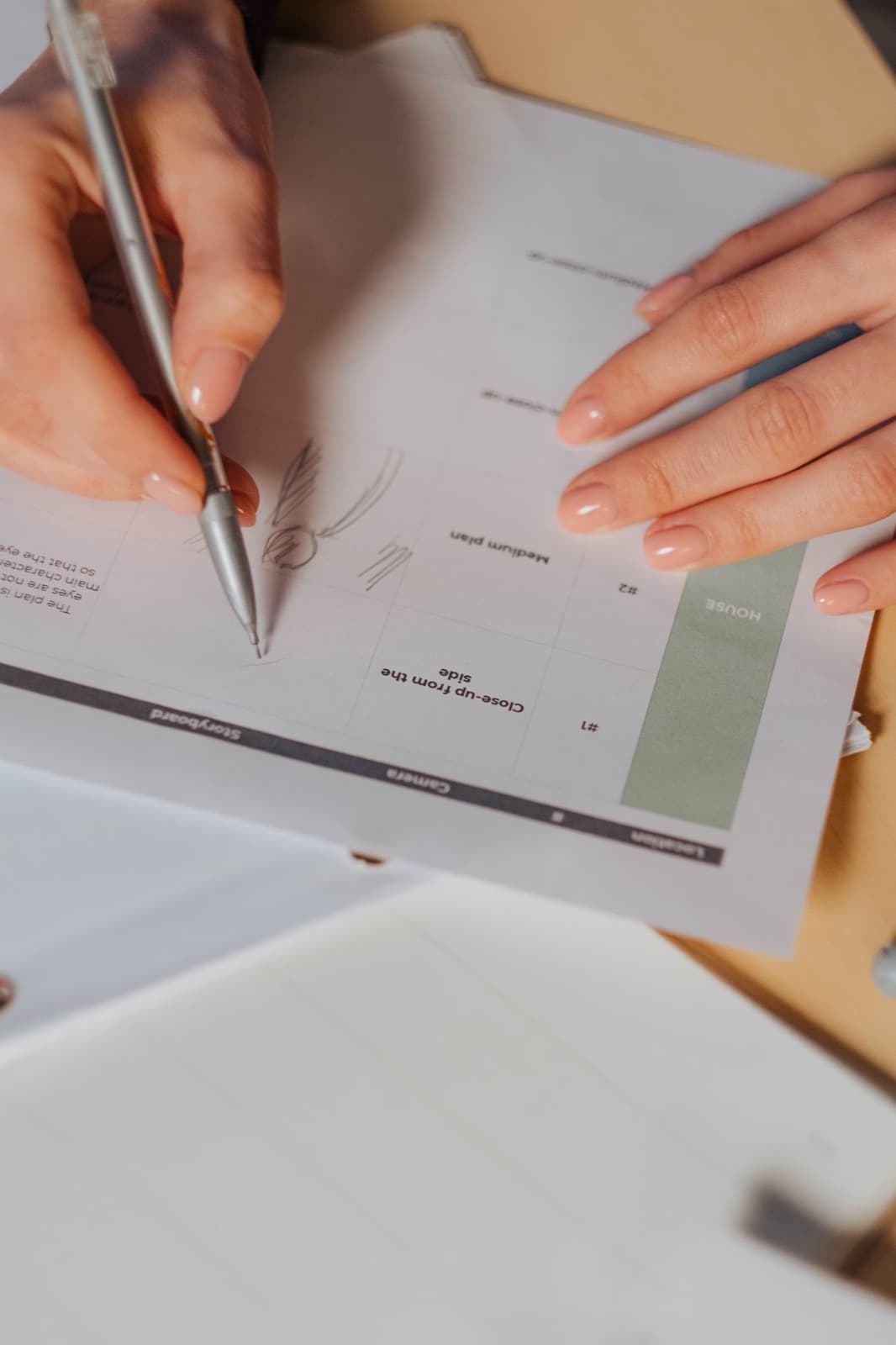
For “We’ll measure your windows at your home,” the visual could show a technician taking measurements at a window. Viewers see exactly what you mean.
Check every scene: does it add information, or is it just filling time? Not every spoken sentence needs to be spelled out on screen as well.
Step 4: Produce the picture and sound
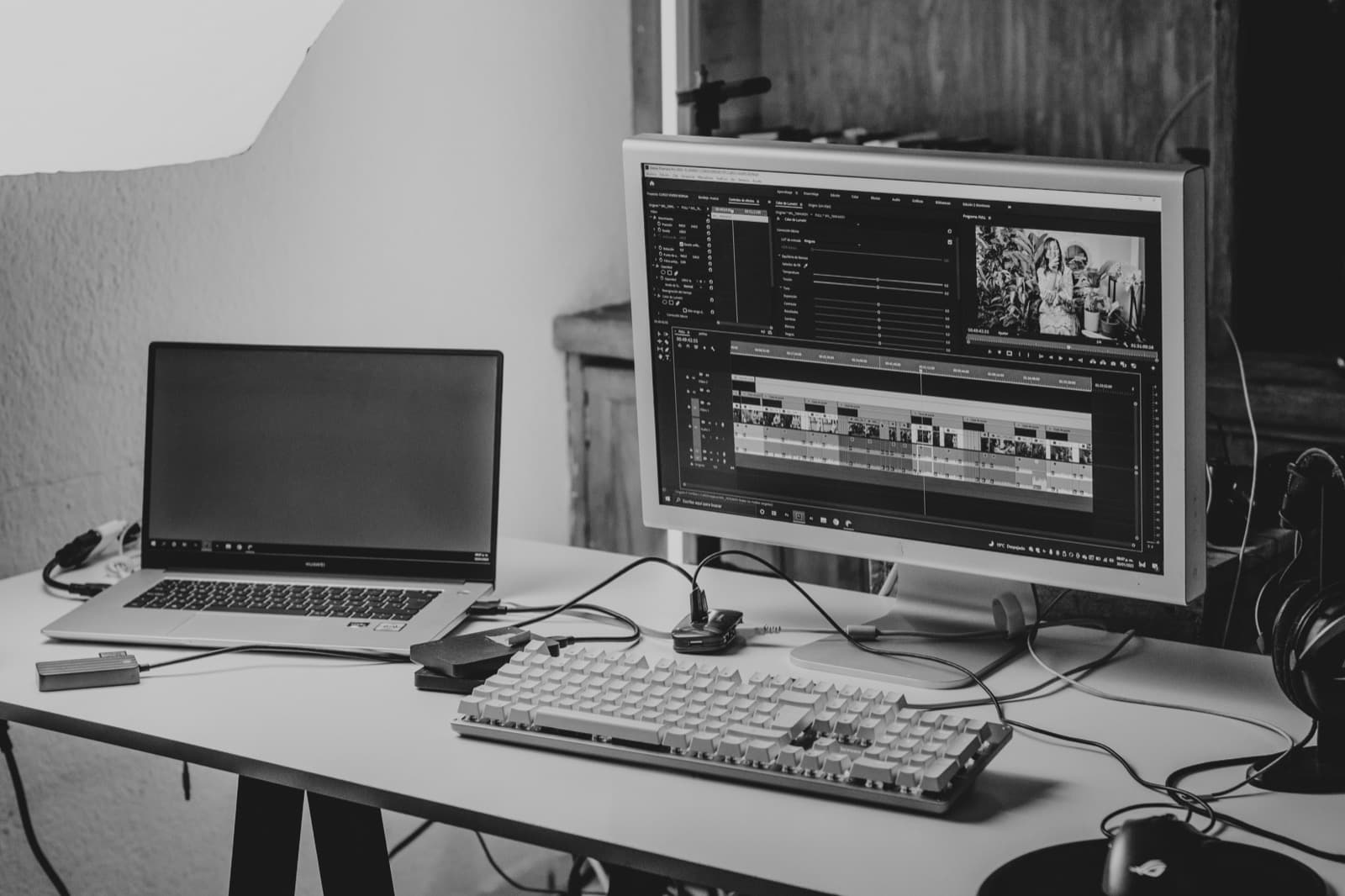
Now the animation, screen recordings or live footage come together. Voiceover, music and sound effects are timed to the visuals.

The voice has to stay easy to understand, so keep the music under it. Technical terms, product names and acronyms deserve their own pronunciation check.
Watch the video on a phone, too. Small labels or a full software screen can be hard to read there. Captions help people who watch with the sound off or who are deaf or hard of hearing.
Step 5: Review and publish
Before it goes live, have someone who knows the subject check every claim and visual. It also helps to test it with someone who has never seen the topic before.
Then ask: “What did the video explain?” and “Which step is still unclear?” You’ll get far more useful feedback than from “Did you like it?”
Finally, double-check spelling, contact details, the call to action and every file format you need.
For a deeper walkthrough, read our guide on how to make an explainer video.
How much does an explainer video cost?
Price depends on how much work goes into production. A screen recording you make yourself is a very different job from a custom animated video with original characters, a professional voiceover and versions in several languages.
Traditional agency productions often run into the thousands of dollars. When you compare quotes, these questions matter most:
- Are concept, script and design included?
- Will they use your existing assets or create new illustrations and models?
- How many rounds of revisions are included?
- Which languages, captions and aspect ratios do you get?
- Which channels and uses do the usage rights cover?
- How are later updates billed?
Length alone says little about the effort. Even a short video needs a clear structure and the right visuals. In a complex technical animation, a single scene can take up a big share of the work.
For typical price ranges and what our subscription includes, see how much an explainer video costs.
Making explainer videos with AI
AI can help draft scripts, develop visual ideas, generate voiceovers and create visuals. What it handles depends on the tool and the production process.
What matters most is a clear brief: Who is the video for? Which facts does it need to get across? What images or product materials are available? What must never be shown incorrectly?
Review an AI-assisted explainer just as carefully as any other production. Pay special attention to on-screen text, product details, processes and how names are pronounced. Smooth animation is no proof that the explanation is correct.
Where to use an explainer video
Put the video where the question comes up. A video about getting started with your service belongs on that service page. Assembly instructions belong on the product page or in the post-purchase email. A software explainer can live right inside your help center.
Your sales team can send a relevant video before or after a call. New hires can use one as their introduction to a recurring process.
Measure success against the video’s job. For instructions, look at support questions and how many people complete the task. On a service page, check whether visitors play the video and then reach out. View counts alone don’t answer either question.
Frequently asked questions
Does an explainer video have to be animated?
No. Live footage, screen recordings or a mix of techniques can explain a topic just as well. Animation is a style choice, not a requirement.
Can I make an explainer video myself?
Yes. For a clearly scoped process, a screen recording or simple footage can be enough. What matters is a logical order, clear audio and details people can actually see. Budget time for the script, editing and review, too.
How long does production take?
It depends on the content, the style, the materials you already have and how many people need to sign off. When you get a quote, ask about the milestones: when do you review the script, the first visuals and the final video? A delivery date only helps if it accounts for your approvals.
Does every industry need its own explainer video?
A separate video makes sense when the questions, processes or examples are clearly different. A window contractor needs to show different things than a home care agency. Swapping the industry name in the same script isn’t enough.
What is the difference between an explainer video and a commercial?
A commercial’s job is to spark interest in an offer; an explainer’s job is to make a question or process clear. A commercial can afford to be all mood and promise, while an explainer has to leave the viewer able to describe how something works. The lines blur in practice, so pick one main job when you plan: what should someone understand once the video ends?
What should an explainer video include?
Three things, in roughly this order: a situation or question your viewer recognizes, an explanation where the picture shows what the narration describes, and one clear next step. Keep the language the way you would say it to a customer, and leave out anything the viewer doesn’t need to answer the main question. Length, style and voice all follow from that content.
Try your explainer video for free
You want customers to understand what you offer and how it works. We turn that into an explainer video for your product, your service or the process you find yourself explaining again and again.
Tell us your topic, your audience and the one message that matters most. Product photos, screenshots and documents you already have help us show your offer in concrete terms.
Start with your website link. We create your first video for free with a watermark, including three revision rounds, no credit card needed. To keep the original without a watermark, subscribe from $99 a month plus sales tax, cancel monthly. Try it for free.