Guides
Make a video people can follow
A useful instruction starts with the right product and one complete task. Keep the approved documentation close at hand.
Capri Video · Updated · 2 min read
Someone opening a help video wants to know two things straight away: is this my product, and will it show me the task I’m trying to do? Name the model or version early, then keep the explanation focused on that task.
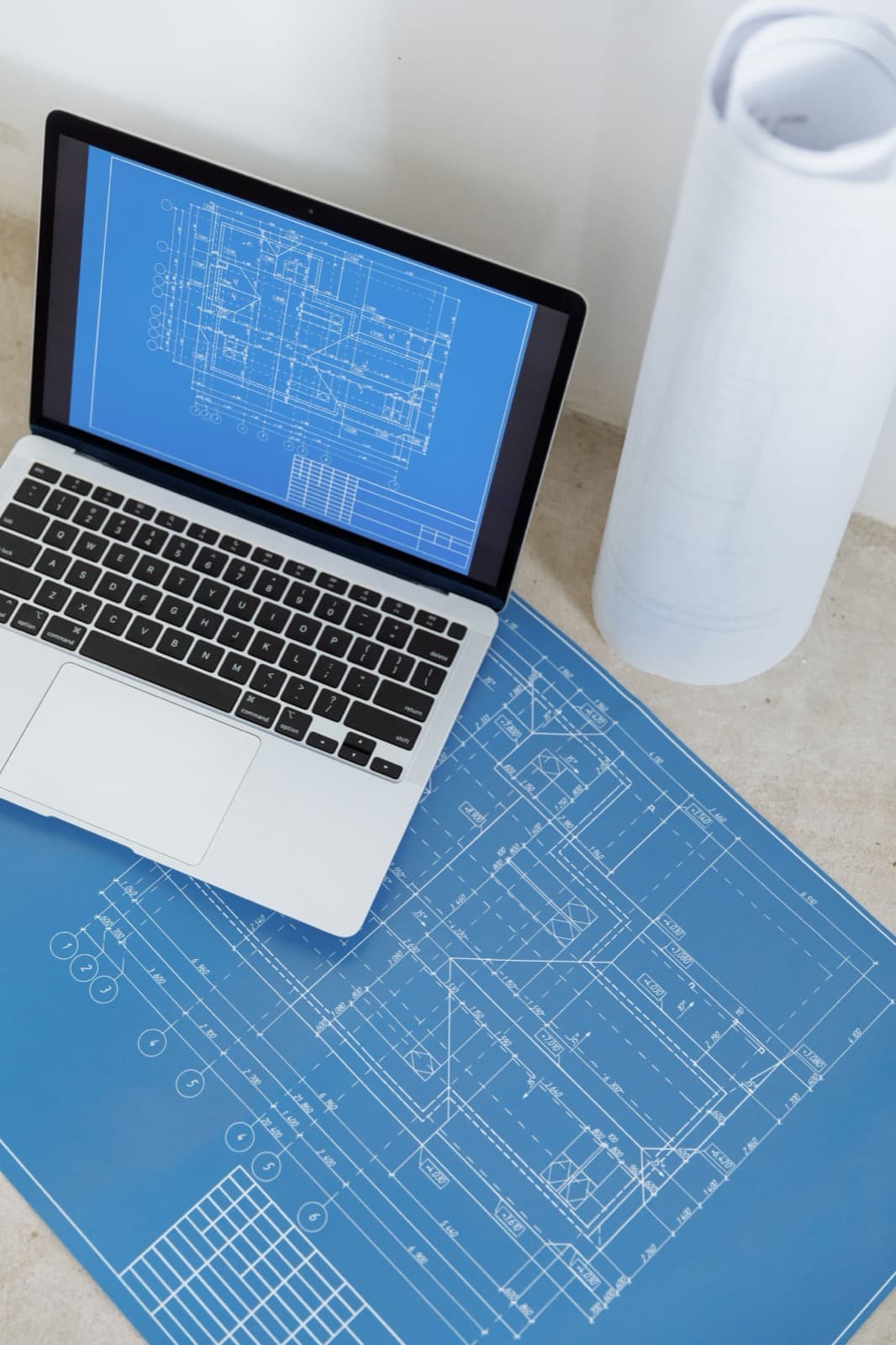
Explain one complete task
Select a task that can be explained as a coherent module. That might mean understanding a particular control panel or following an approved software workflow. Keep the necessary prerequisites with the task so the viewer is not misled by an incomplete excerpt.
Imagine a desk with a specific control unit. A wide view establishes the model, and a close-up identifies the confirmed functions. Other panels receive separate versions when they differ. Combining similar models without clear labels can make a short film harder to use rather than more efficient.
Build from approved instructions
Use the current documentation for sequence, terminology, and accompanying information. For assembly, show the correct parts and how they fit together. Animation should not add components, simplify away essential movement, or hide necessary context to create a smoother scene.
Assign a responsible specialist to review both words and visuals. That review includes geometry, viewpoints, and actions, not just narration. Checking the storyboard helps identify a misleading representation before it becomes finished animation.
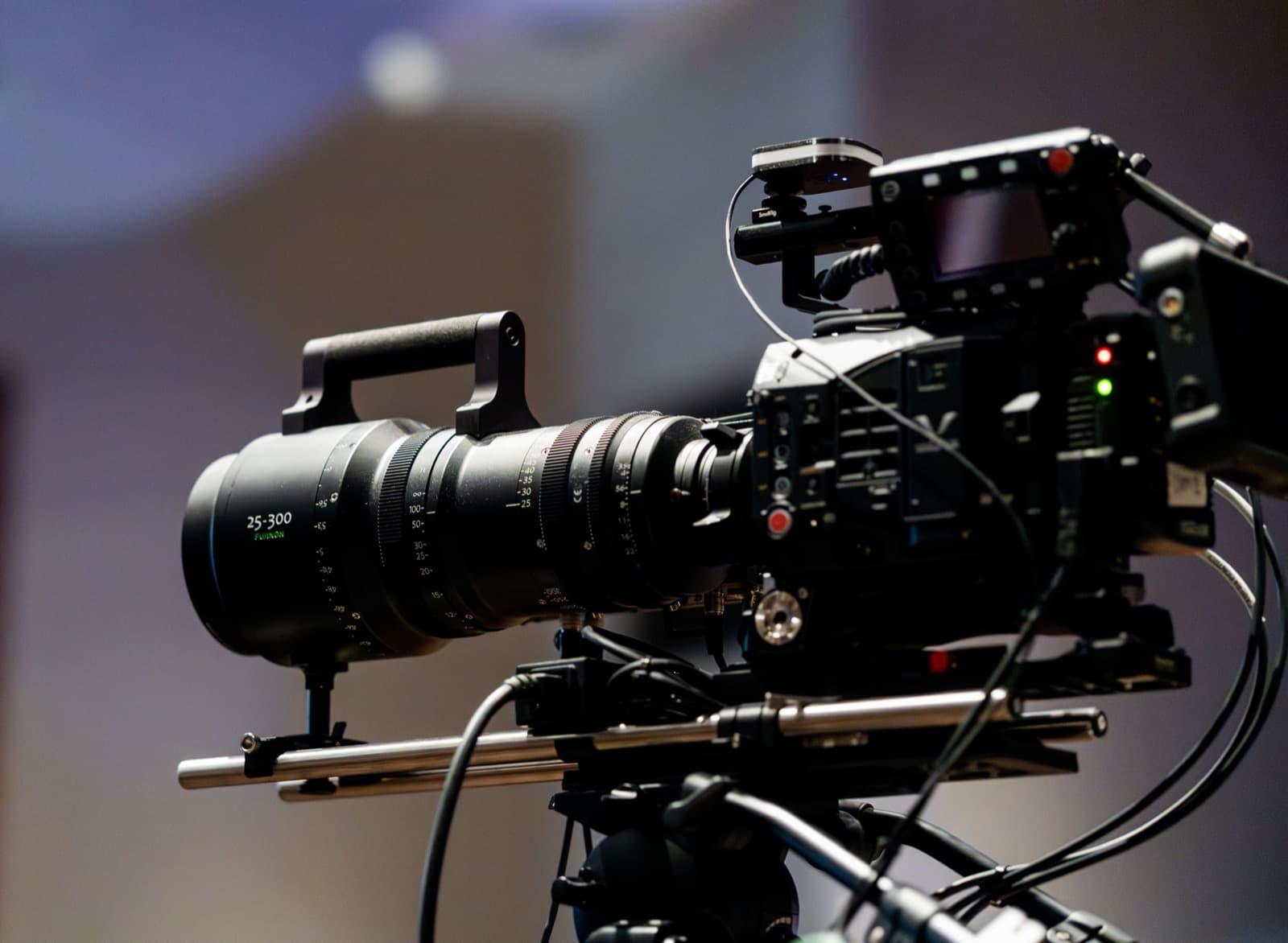
Make the right module easy to find
Name the video by product and task. Link it from the relevant help location and point to complete documentation. Use captions and readable on-screen information to support viewing without audio. Record model and version details so changes can be traced later.
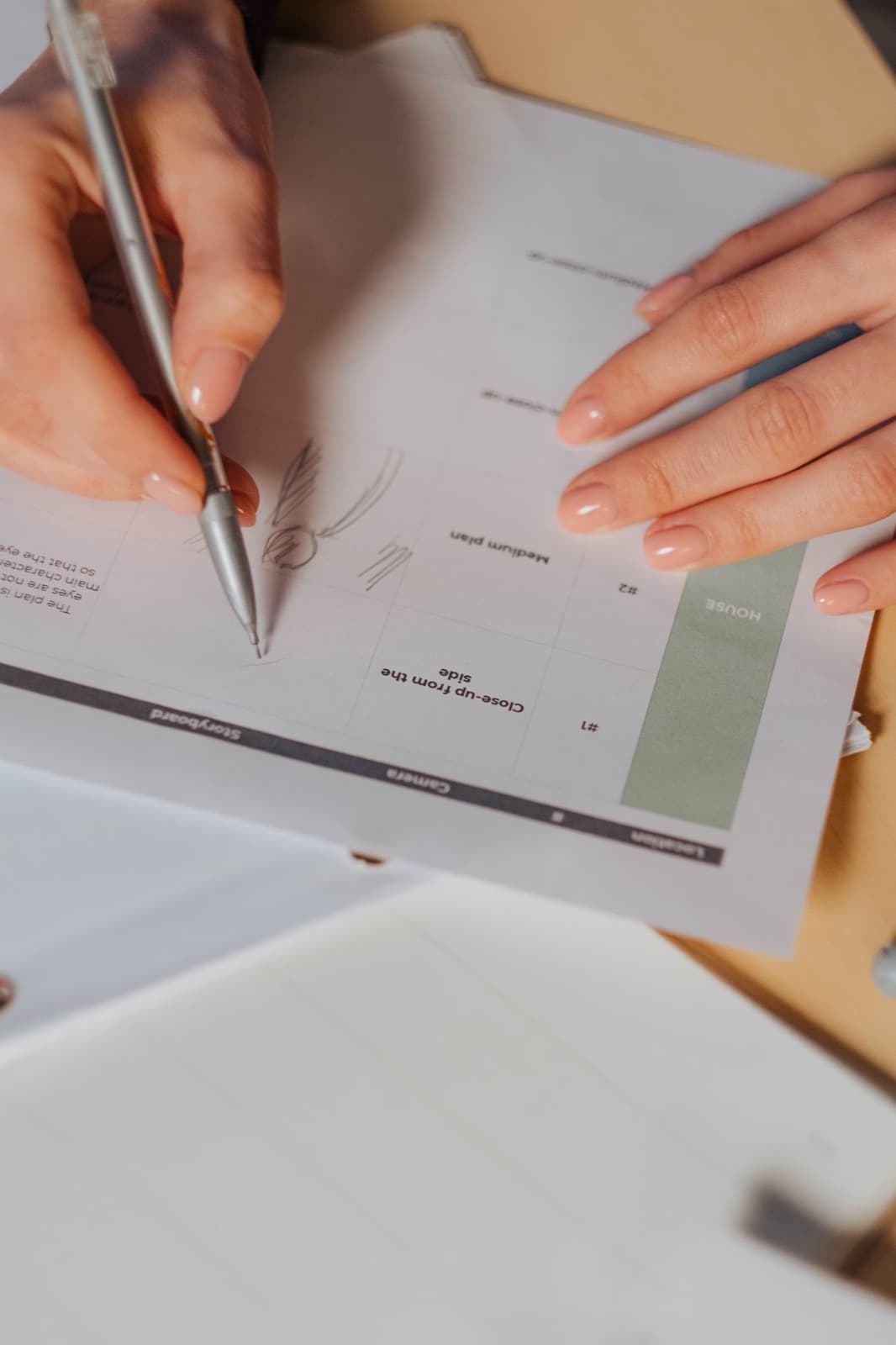
Check that people can follow it
First check whether the intended viewer finds the right clip and recognizes the relevant elements. Observe which terms or angles cause confusion. For safety-critical tasks, a comprehension test does not replace appropriate technical review. A positive viewer reaction alone is not evidence that the instruction is complete or correct.