Local services & trades
Show what happens when the alarm goes off
Customers buy security and wonder what happens in an emergency. Show planning, installation and the response after an alarm.
Capri Video · Updated · 1 min read
Sensors, control panel, app, monitoring center: to a customer it sounds like a lot of technology. Their real question is simpler. What happens when the alarm goes off? A security system explainer video answers it and shows the path from consultation to installation.
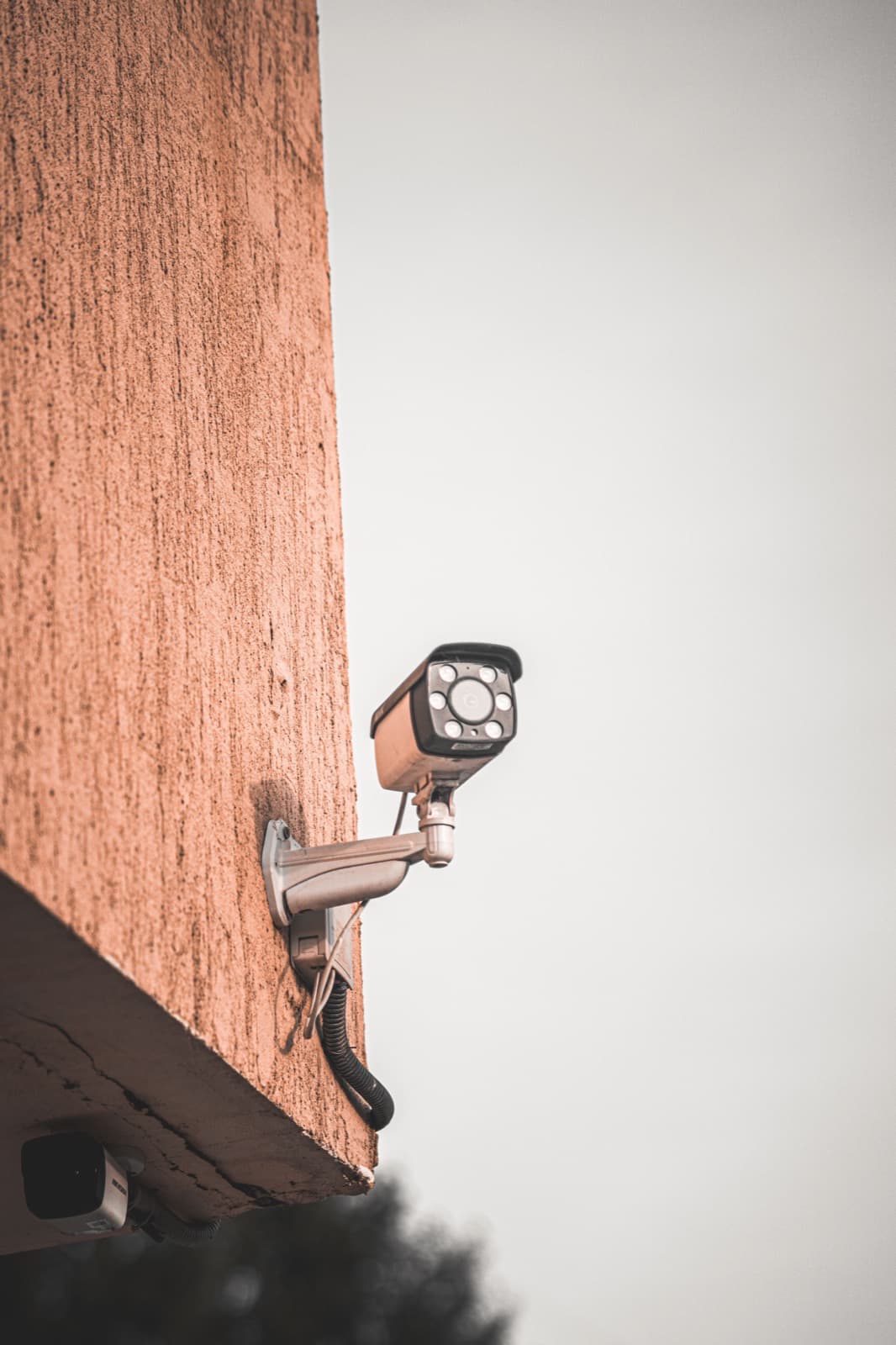
Play through an alarm
Use a floor plan to show where detectors sit and what they register. Then play through an alarm: signal, verification, notification. Separate clearly what the system does on its own and what requires a monitoring plan. You do not need break-in scenes for this.
What to bring to the brief
System overview, consultation and installation steps, what each plan includes and screenshots of the app.
Check response paths and times against your actual contracts. Leave out figures that do not apply to every customer.
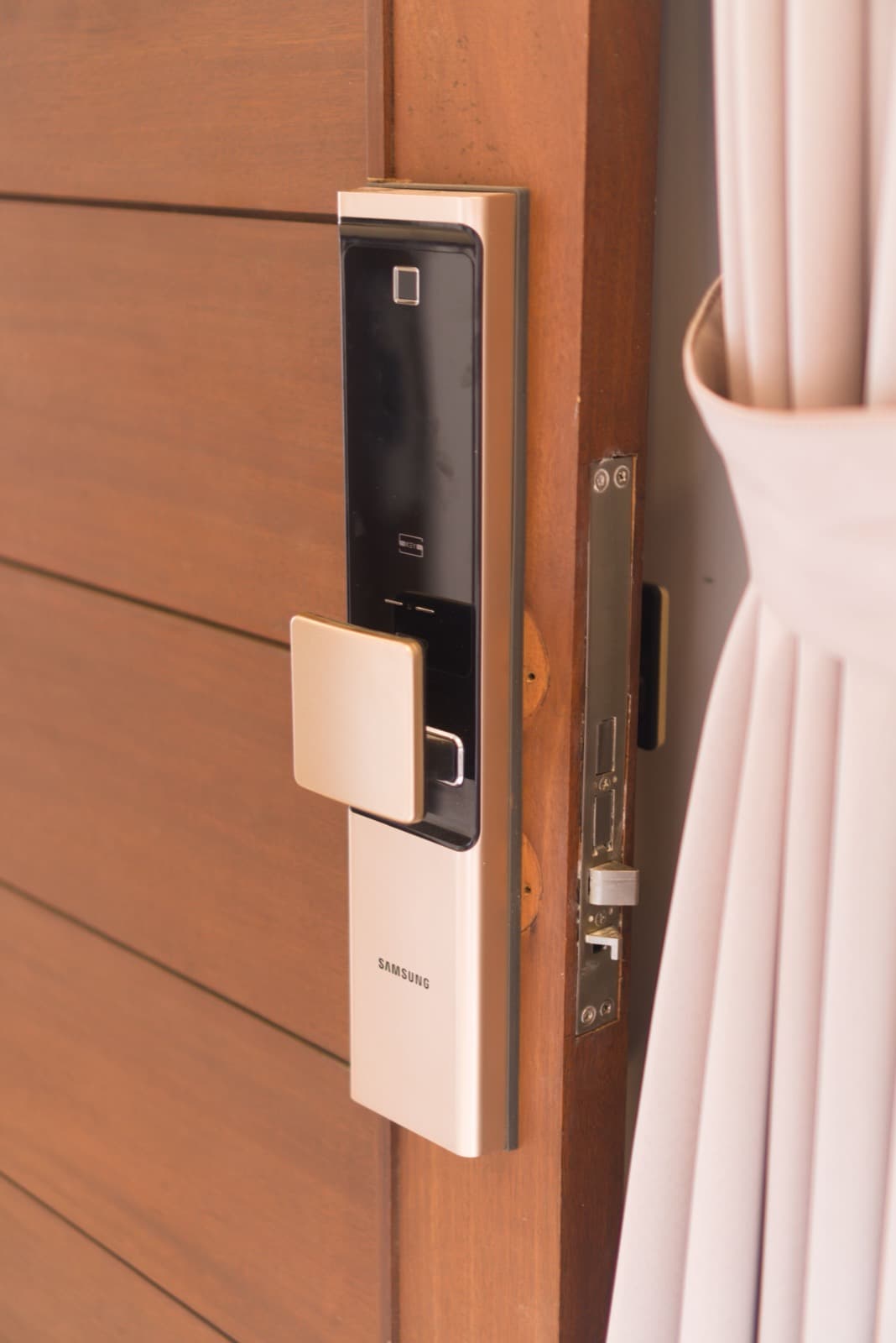
Where the video can help
Use it on the product page, in quotes and in the handover after installation. Ask customers what they would do if the alarm sounded. The film should not promise complete protection against break-ins.