Guides
Explain your startup without the pitch jargon
Give a customer or investor a clear picture of what’s available today, with one example they can follow.
Capri Video · Updated · 2 min read
You know why your startup needs to exist. A potential customer still needs to see the connection. An explainer video links a problem they recognize to your product and shows what changes when they use it. Choose a use case that gives them a clear reason to try your offer.
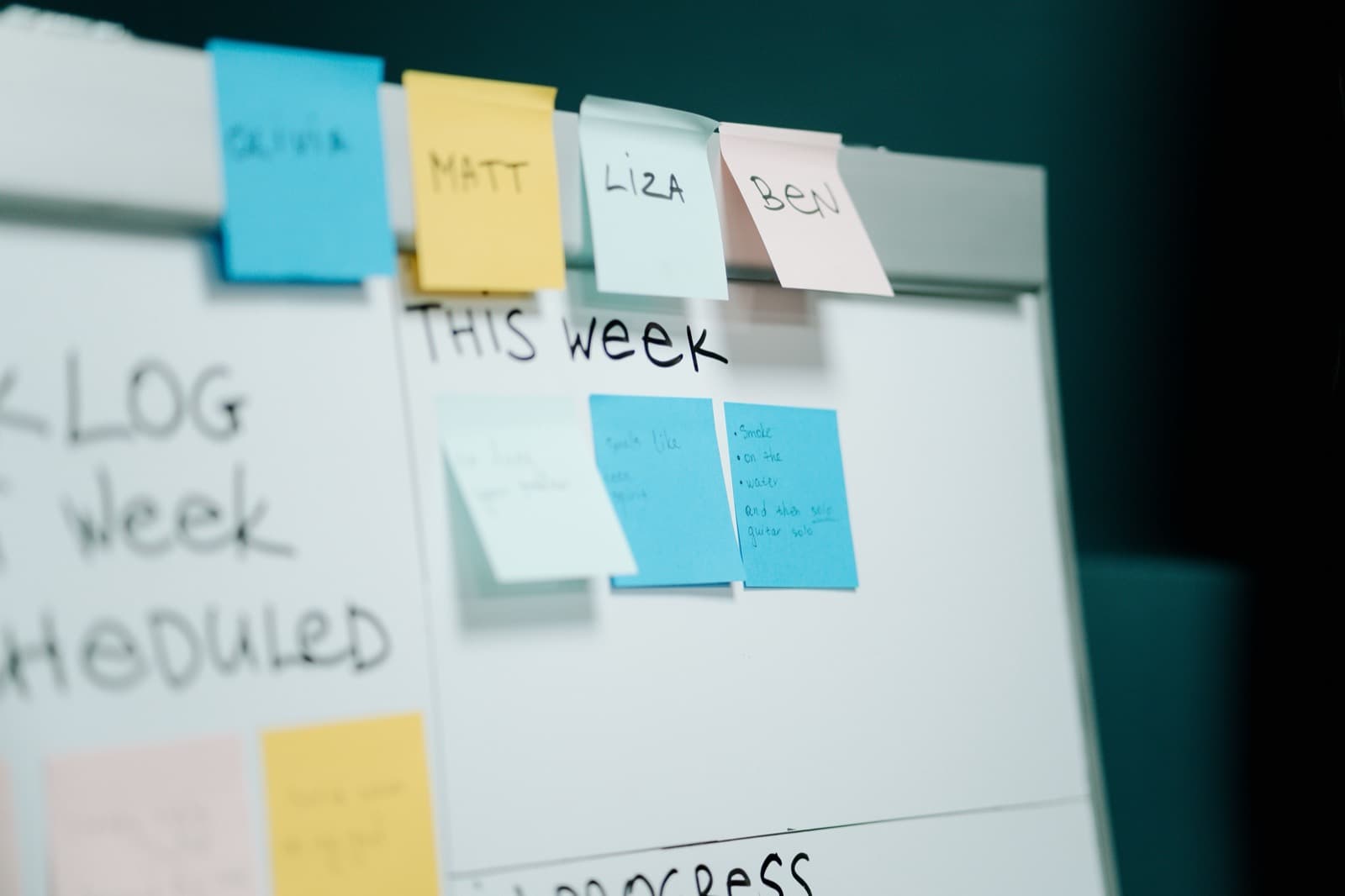
Choose the audience first
A customer needs to understand the task the product supports and the next available action. An investor discussion may need more context about the business and stage of development. One version can struggle to answer both sets of questions clearly.
Write a sentence that identifies who the offer serves, which concrete task it addresses, and what is available today. That is a stronger starting point than a long list of future possibilities.
Keep the product separate from the roadmap
Imagine a fictional startup building a service-request application. The video shows the existing workflow with demo data. A planned feature is identified as planned rather than presented with the same certainty as a released function. This makes the story easier to trust and the expectations more accurate.
If there is no usable product yet, a concept film can explain the idea. Its status must remain visible. A simulated screen does not prove that a feature has been implemented.

Use one example instead of many claims
Follow a single request through the actual available process. Establish the starting situation, show the product's role, and end with the supported next step. Avoid invented customer quotes or performance figures. The concept becomes more tangible when the viewer understands the mechanism.
Decide what the viewer can do next
The right action might be requesting a conversation, learning about the current development stage, or opening an available demo. Match the ending to that reality. The same call to action does not automatically fit every startup stage.

Test the explanation
Ask an unfamiliar viewer to describe the offer and its availability. If they expect more features than exist, clarify the boundaries. If they remember only the broad vision, add a more concrete task.