Local businesses & retail
Reserve, order, pick up: show guests how it works
Show guests how reservations, pre-orders or private events work at your restaurant, and take pressure off the phone.
Capri Video · Updated · 1 min read
Your team answers the same questions every day. Can I book for twelve, is the lunch special available to go, how does a private party work? A restaurant explainer video shows these steps once, for everyone.
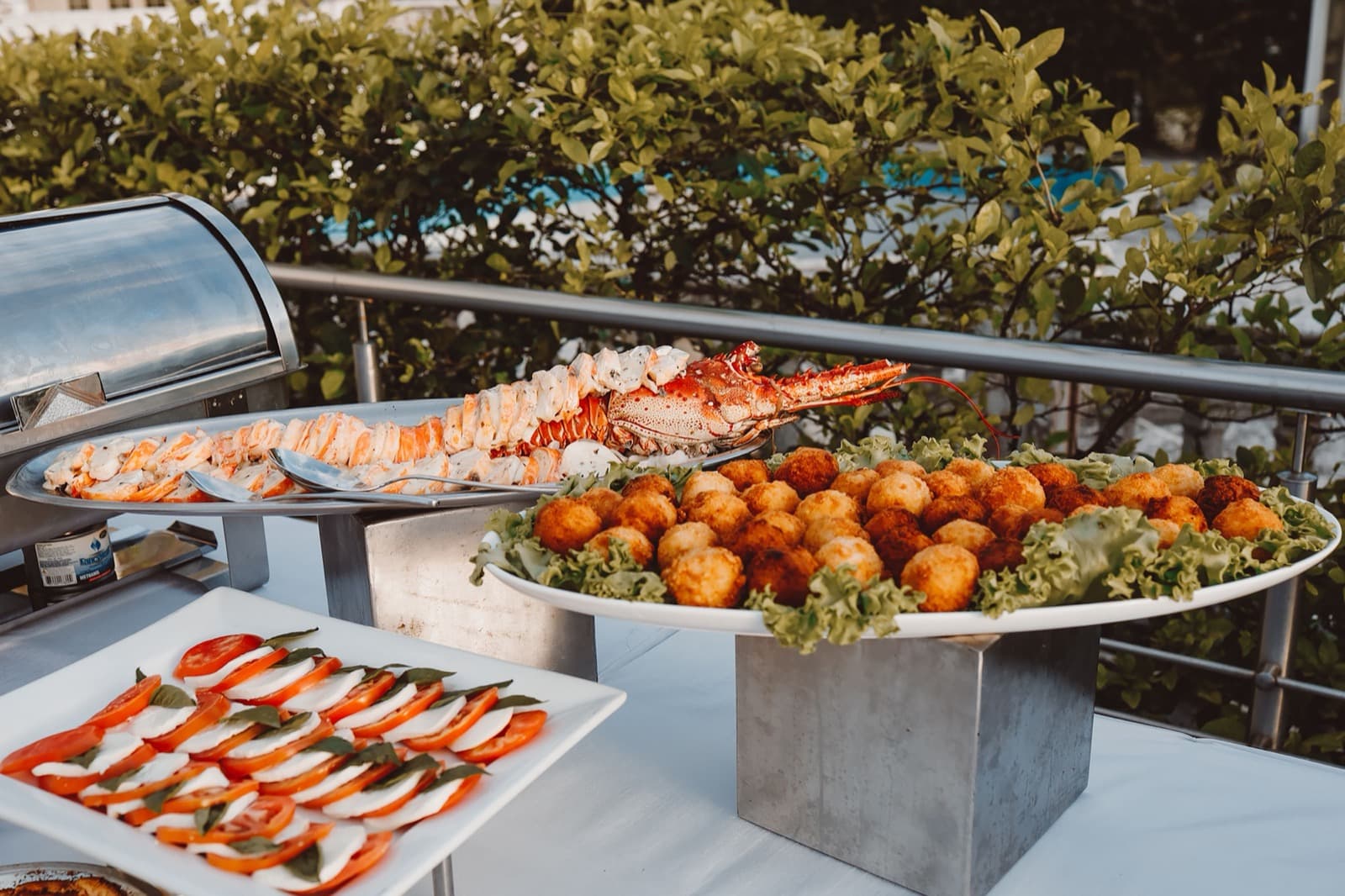
Show one process, not the whole menu
Pick one task: a group reservation, a pickup pre-order or a private event inquiry. Show the steps from the first click to the table or the handover. The film does not need the menu, which changes more often than the process.
What to bring to the brief
Reservation and ordering steps, rules for groups and events, and photos of the rooms and pickup point.
State deadlines, deposits and cancellation rules as they actually apply. Allergen information belongs on the menu and in the conversation with your staff.
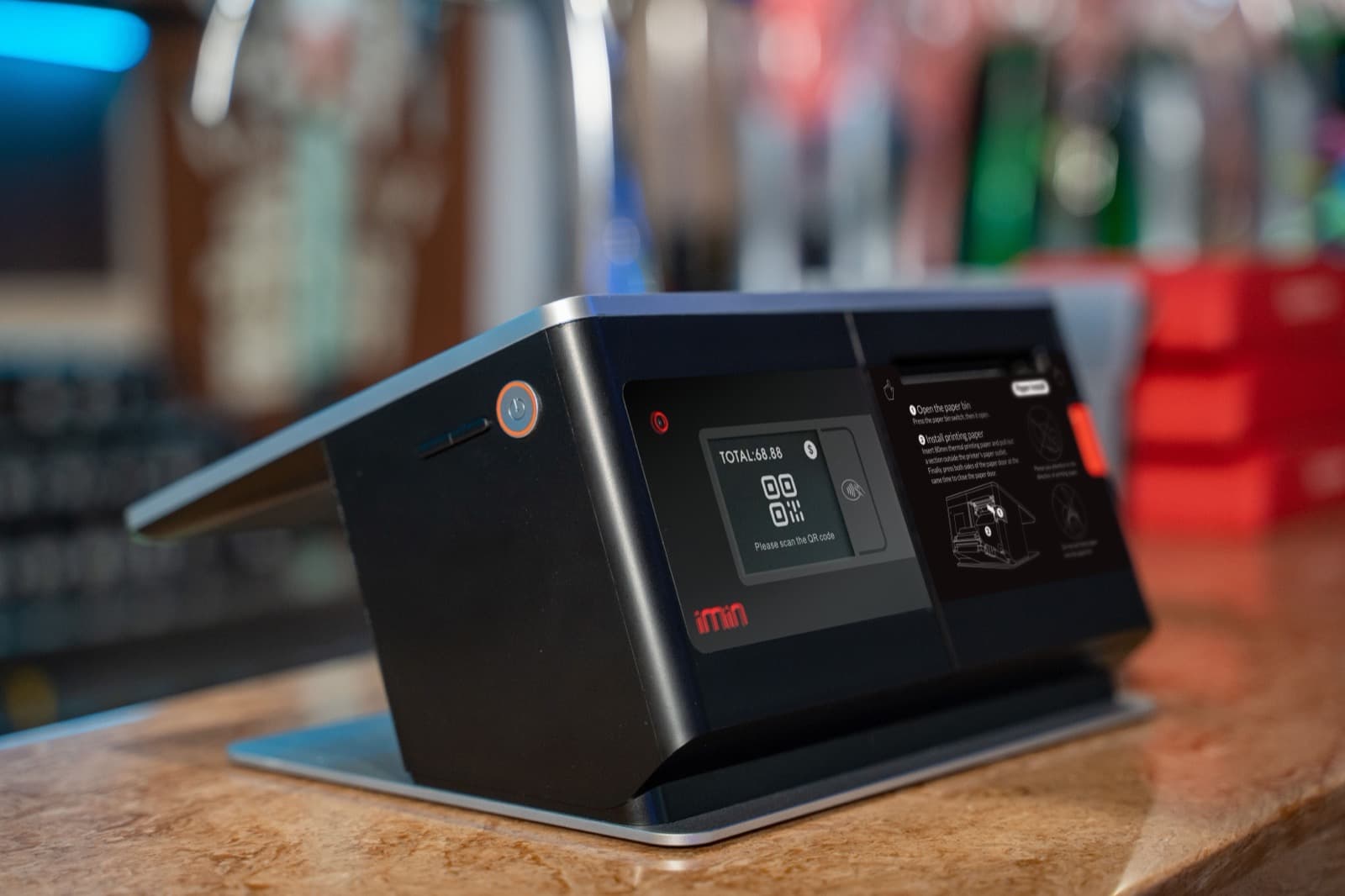
Where the video can help
Use it on the reservation page, in your Google profile and in the confirmation email. Ask guests what they need to do before they arrive. Fewer follow-up calls tell you the film explains the right thing.