Guides
What should the movement explain?
A moving label or line can make a process easier to follow. Plan the meaning before adding the effects.
Capri Video · Updated · 2 min read
What changes for a customer when they use your product or service? Motion graphics can make the answer visible: a request reaches the right person, separate tasks become an ordered process, or a diagram explains a product difference. The movement should draw attention to something a buyer needs to understand before deciding.

Decide what the movement means
An object can appear because a new stage begins. A line can represent a confirmed handoff. A label can change because the status has changed. Each movement has an information job. If an element merely bounces or spins to make the screen lively, check whether it distracts from the main point.
Consider a fictional three-stage service. Introduce the first task and its owner, then show the transition to the next stage. Keep the same case identifier throughout. This gives the audience a continuous process instead of three unrelated icons.
Keep data graphics faithful to the evidence
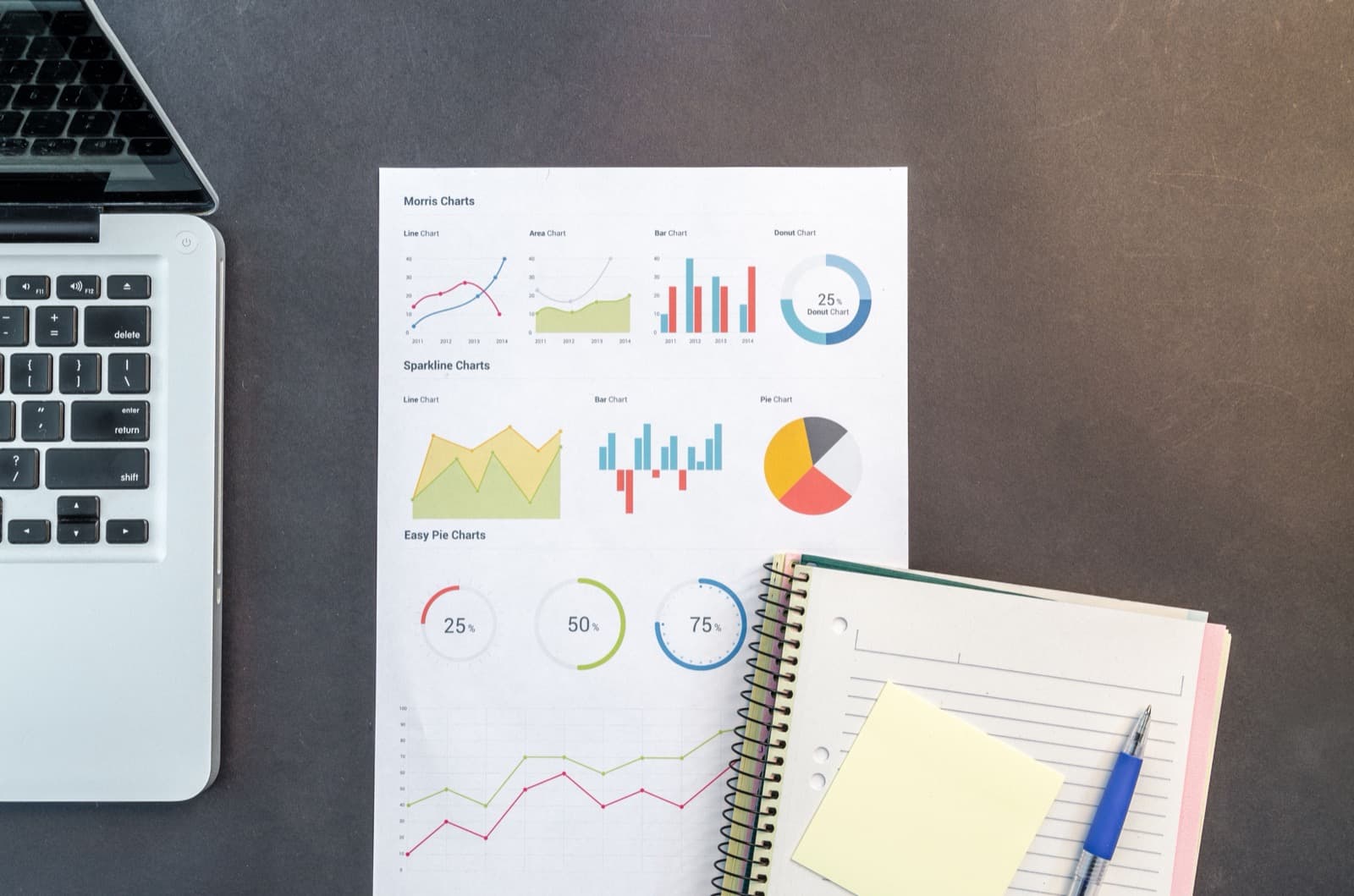
Animated charts should communicate the same meaning as the underlying values. Label the unit, period, and comparison. An expanding area can imply a different change from a linearly increasing number, so choose a visual treatment that preserves the intended comparison.
If reliable figures are unavailable, a process example may be more useful than an invented performance counter. Identify demonstration numbers as illustrative. A polished chart still needs reliable data.
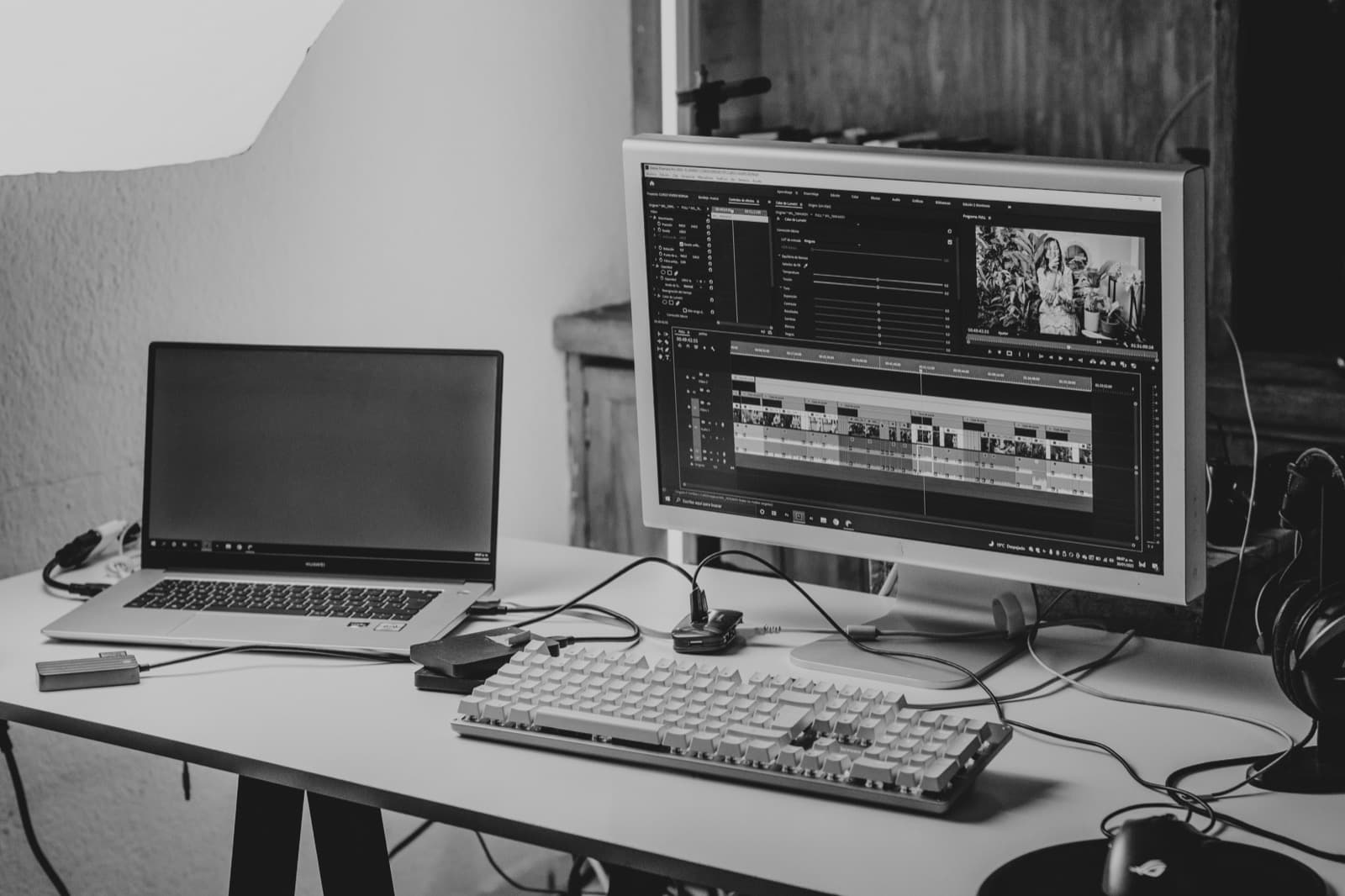
Where will people watch?
A short ad may need an immediately clear opening, while a presentation may benefit from a slower build. Small text and rapid transitions can make important information difficult to absorb on the first viewing.
Review the draft at its intended display size and without audio. Keep the key terms readable. Provide a static or text explanation where appropriate so the meaning is not available only through motion.
What to put in the brief
Bring the core message, the data or process notes behind it and an example of where the film will appear. Point to the moment where movement helps explain something. That’s a better starting point than choosing effects.