Local businesses & retail
Make grocery pickup easy to find
Connect the order screens with a store map so first-time customers know where to arrive and how collection works.
Capri Video · Updated · 1 min read
Ordering groceries and finding the pickup point are two parts of the same trip. A short video can join them up, following your store's actual confirmation and collection process rather than a generic shopping-app example.
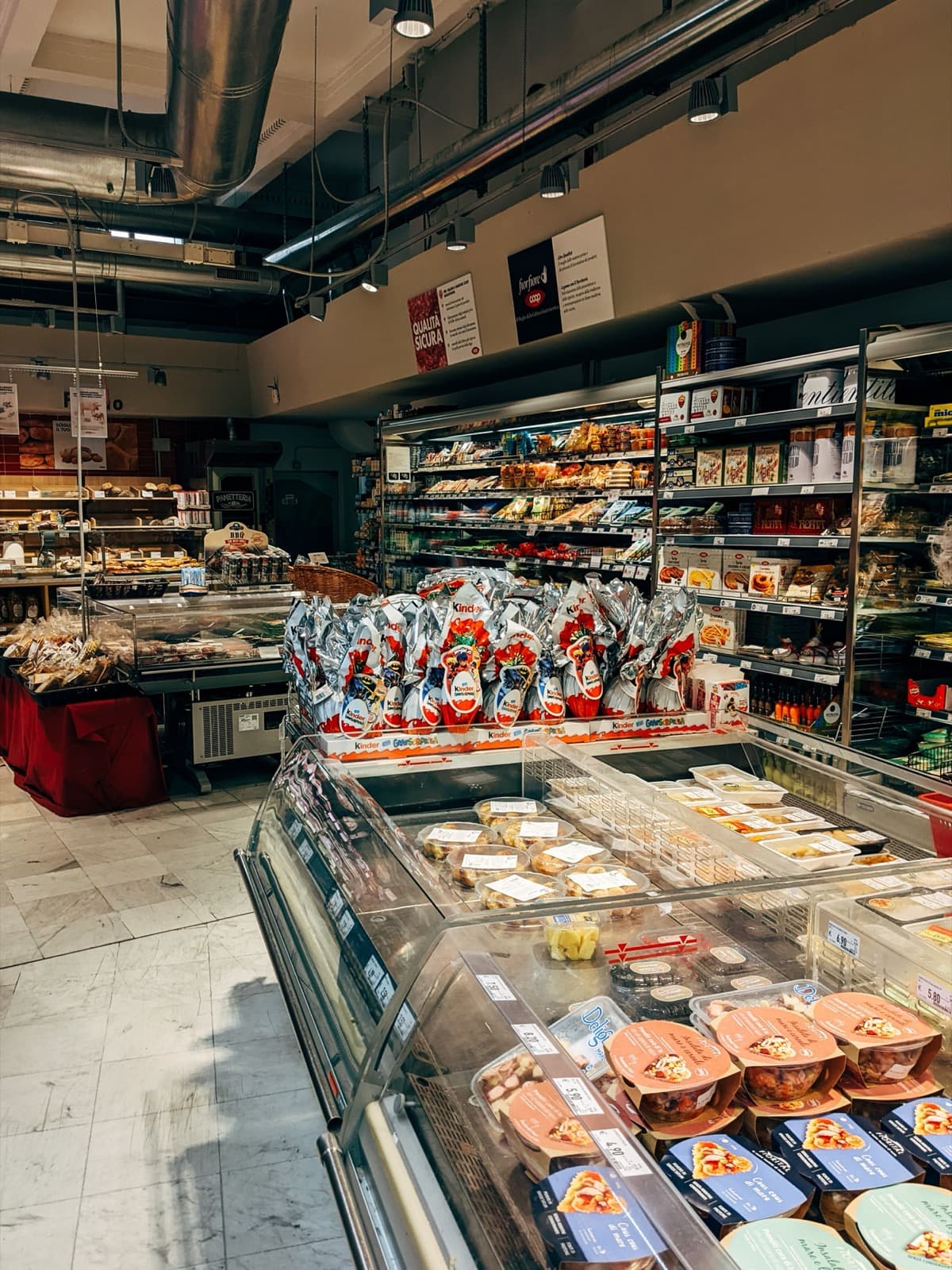
From the order screen to the pickup point
Follow a sample order through the relevant screens and then switch to a simple store map. Show the correct pickup location and the retailer's confirmed arrival steps. If the process includes a customer decision or a message about the order, make that handoff visible. Do not invent pickup windows, payment options, or substitution rules.
Useful starting material
Use current app screens, store layouts and the terms that apply to your pickup service.
Ask the staff who handle these inquiries to check the sequence, especially any point where the customer needs to choose or confirm something.
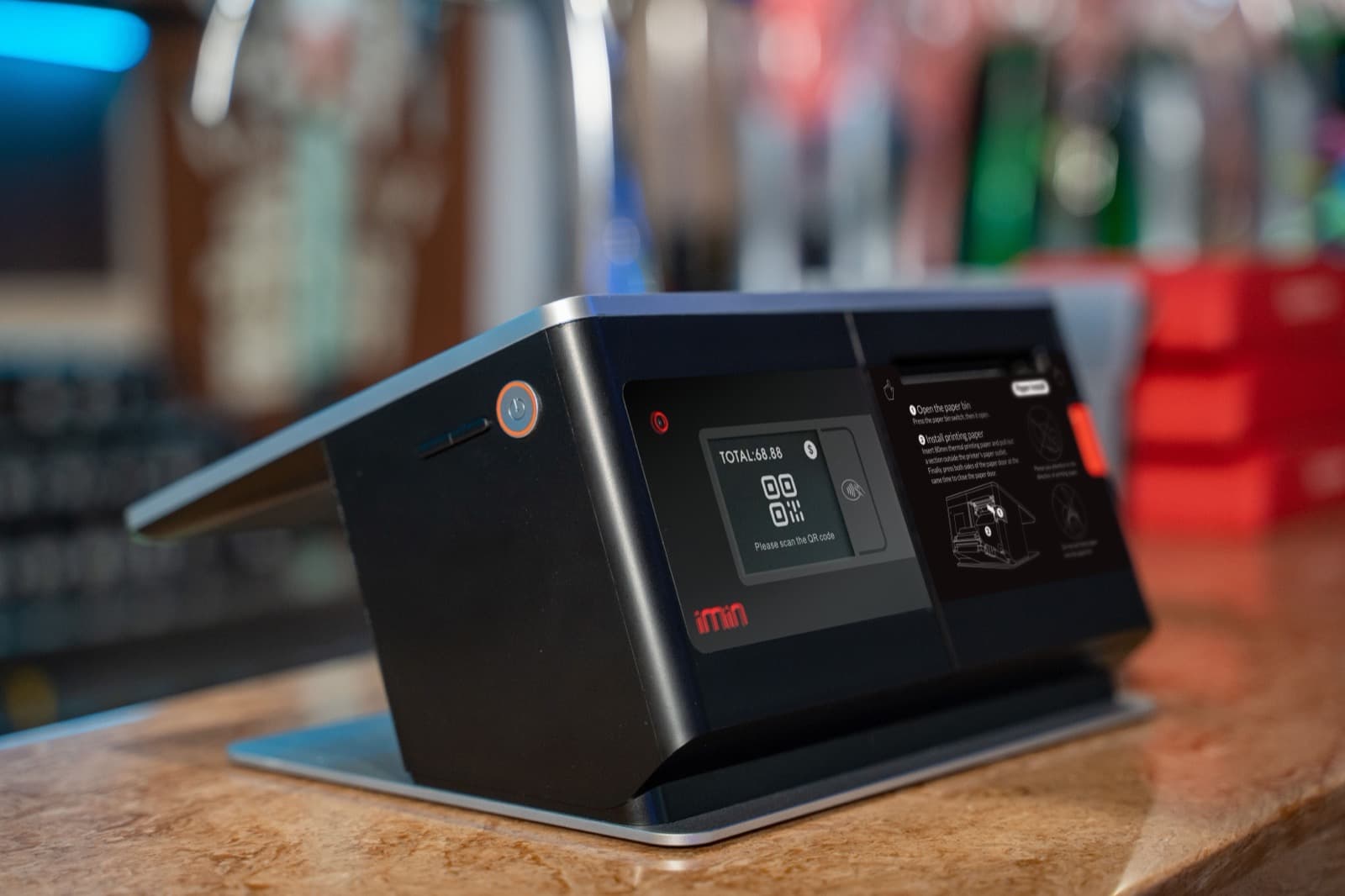
Try it with a first-time customer
Make it available before ordering and before collection. Ask a first-time customer where they'd go and what they'd need on arrival. Questions at the store can guide revisions. Update the affected scene whenever the pickup process changes so the directions still match the real visit.